
See How Sitefinity Cloud Works
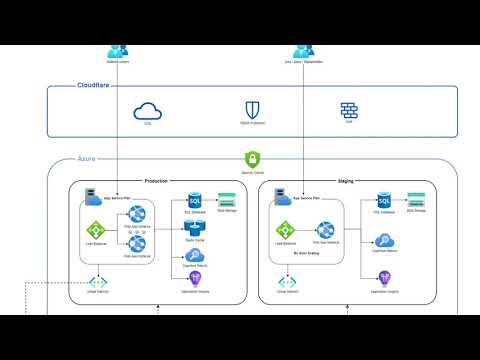
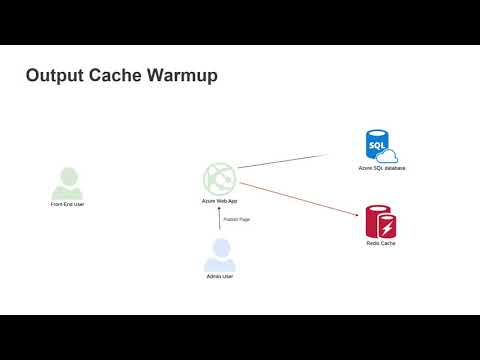
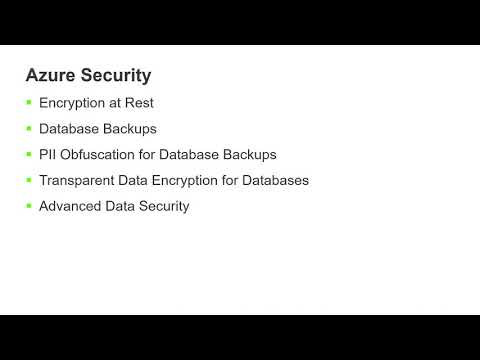
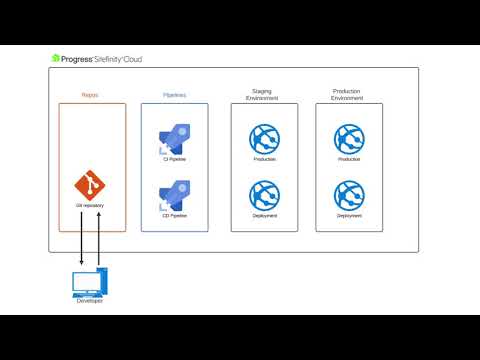
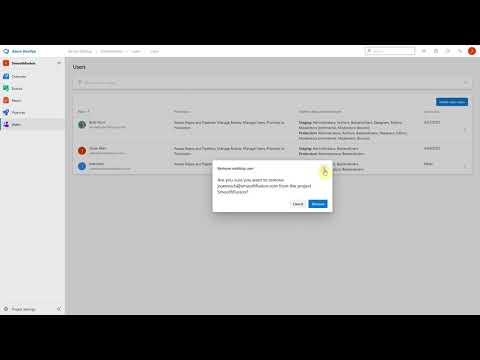
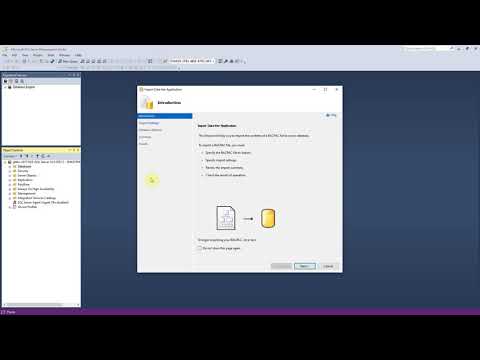
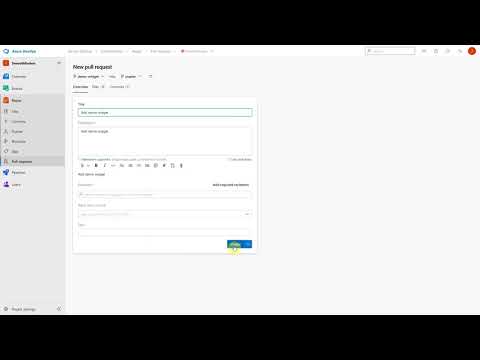
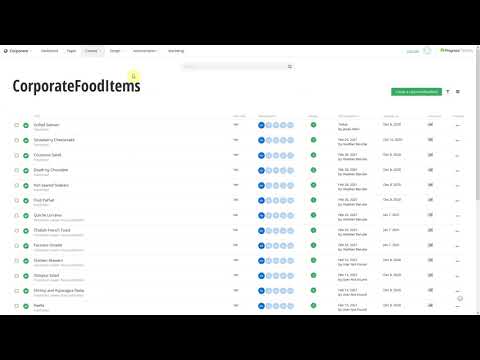
Watch how-to videos and access additional resources to learn how you can use Sitefinity Cloud to create, manage and scale digital experiences
How-to Videos
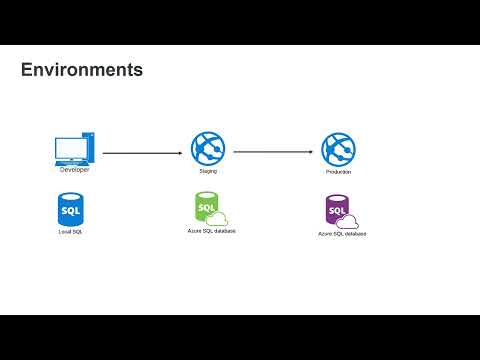
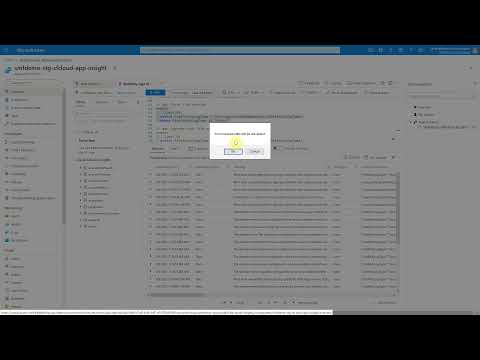
Learn how Sitefinity Cloud can help you reduce infrastructure overhead, improve uptime and availability, increase site performance and operational efficiency.
Sitefinity Cloud Resources
Solution Overview
Download the Sitefinity Cloud Solution Overview, which you can share with team members.
Getting Started Guide
A step-by-step guide to deploying Sitefinity DX in the cloud, from purchasing a license to going live.
Support Workflow
Processes and procedures for resolving technical issues, incident handling and managing improvements in Sitefinity Cloud.
Regulatory Compliance and Standards
List of the regulatory certifications that Progress Sitefinity Cloud complies with.
Feature Spotlight
Check out the latest Sitefinity Cloud Platform enhancements and feature highlights:
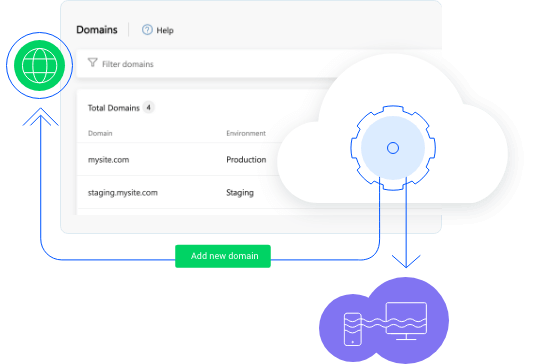
Simplified Domain Management
Gain complete control over your entire digital presence with the ability to create and manage domains within the platform. Request additional SSL certificates from Progress or upload your own to streamline the process.
Learn More
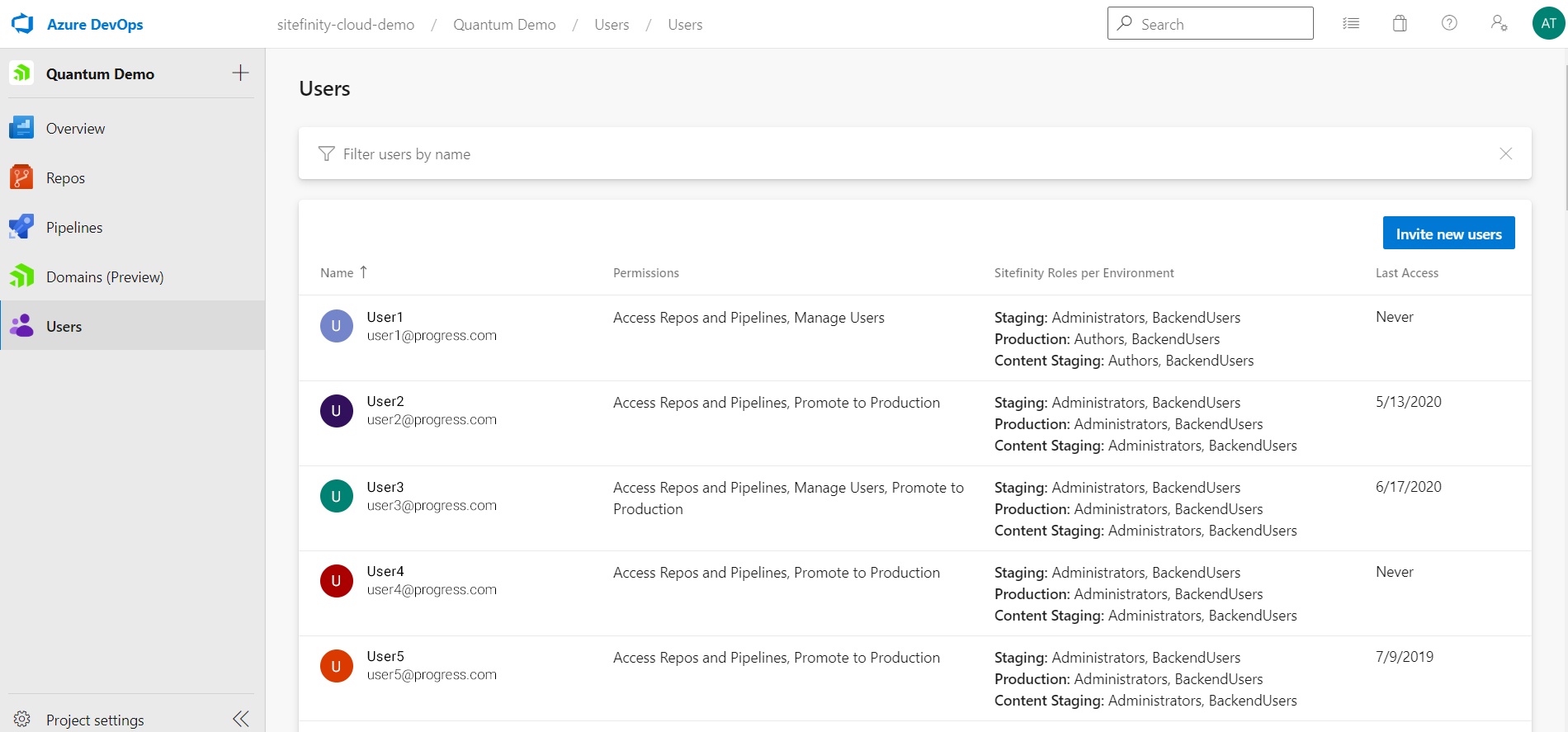
Self-service User Management
Gain full control over a critical aspect of the Sitefinity administration with a centralized place to add and manage the users and roles that are key to your operation. Invite people to your Sitefinity project and give them granular permissions, in tight Active Directory integration. Manage both Cloud Management Portal users and Sitefinity users in a single, comfortable hub.
Learn More
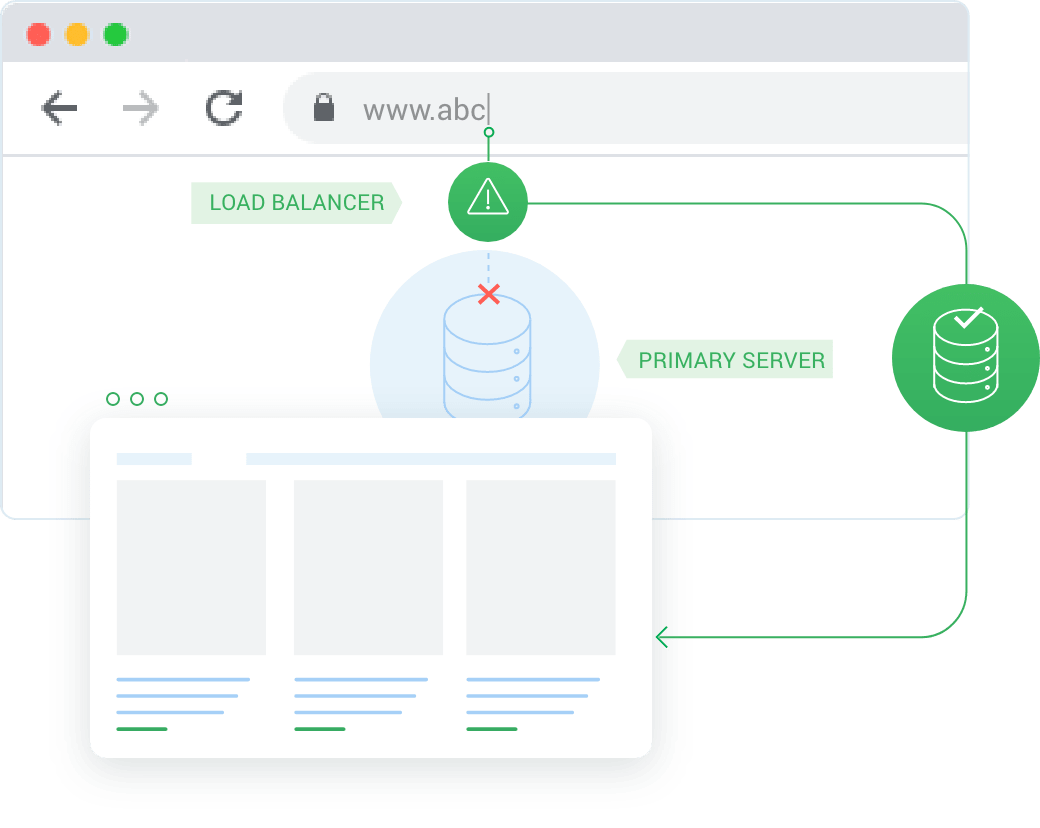
Multi-Regional Failover Add-On
Reduce outages and their associated consequences (like missed opportunities, lost revenue or brand damage) with this Sitefinity Cloud add-on. Get insurance protection from extended downtime and improve resilience and agility without overinvesting in hardware or human resources.
Learn More
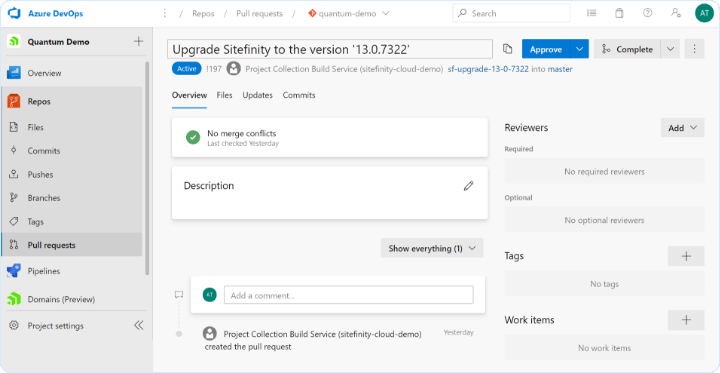
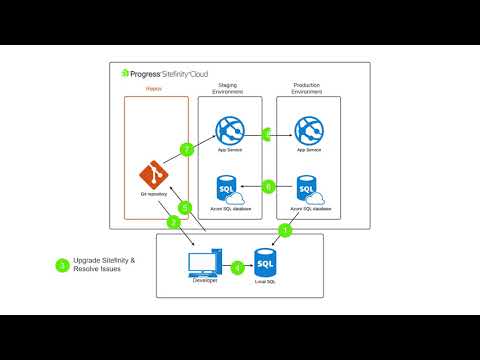
Automated Upgrades
Upgrading Sitefinity has never been easier. An automated pipeline is doing its magic to speed up a time-consuming process, reduce the overhead and minimize the margin of error.
Learn More
FAQs
Get answers to frequently asked Sitefinity Cloud product and technical questions about topics including deployment, development, availability, scalability and support.

Get More Out of Sitefinity Cloud
Access step-by-step documentation, get support or send us your feedback and product enhancement ideas.
Sitefintiy Cloud Documentation
Explore the latest documentation articles, videos, and tutorials
Send us your feedback
We would love to hear from you. Share your feedback, enhancement ideas and your experience using Sitefinity Cloud