How to Create and Edit Content with AI Inside Sitefinity CMS

Get your content ready without leaving your CMS: Sitefinity AI capabilities provide assistance right inside the content screen.
Marketing teams spend a surprising amount of their day moving text between tools. A news article starts in Google Docs or ChatGPT, goes through a few rounds of edits and eventually lands in the CMS, where formatting shifts and the headline no longer fits.
By the time it publishes, version-control confusion has started creeping in.
The cost may seem small for a single piece of content. But when you repeat the process across every post, campaign and content update, those little handoffs quickly add up to more work for the team.
This becomes especially important as AI moves from something marketers experiment with to something they’re expected to build into everyday work.
According to Content Marketing Institute’s 2025 research, 75% of enterprise marketers say their organizations use generative AI. But only 15% say it is integrated into daily processes and workflows. At the same time, the share using AI tools embedded in their content creation or management systems jumped from 33% to 53% in a year.

Source: Content Marketing Institute
The next phase of AI adoption, then, may be less about finding another tool and more about putting useful AI capabilities inside the tools where the work already happens.
This is the approach Progress Sitefinity CMS takes. Its generative AI capabilities are built into the content-editing experience, so marketers can draft, summarize and improve their writing without moving between the CMS and a separate AI tool.
To see what this looks like in practice, let’s walk through the process of creating a news announcement in Sitefinity CMS.
How to Create a News Item with Sitefinity AI
Say your company is announcing a new product feature. You have the important details, know who the announcement is for and need to get it ready for publication.
Normally, you might start writing in a separate document, use an AI tool to help with the draft, and then move everything into your CMS when it’s ready.
With Sitefinity AI, you can do much of that work directly in the content editor. Here’s how.
Step 1. Create a News Item in Sitefinity CMS
Sign in to Sitefinity CMS and navigate to Content > News, then select “Create a news item.”
From there, you’re taken to the rich-text editor, where you can enter your title, create your content, format it, add media, manage taxonomies, set a custom URL and preview how everything looks before publishing.
The editor has an AI button built right into its toolbar. Once Sitefinity AI is enabled and configured for your environment, you can use it to work with your content.
Step 2. Generate Your First Draft With AI
In the content editor, open the AI menu and select “Compose new text.”
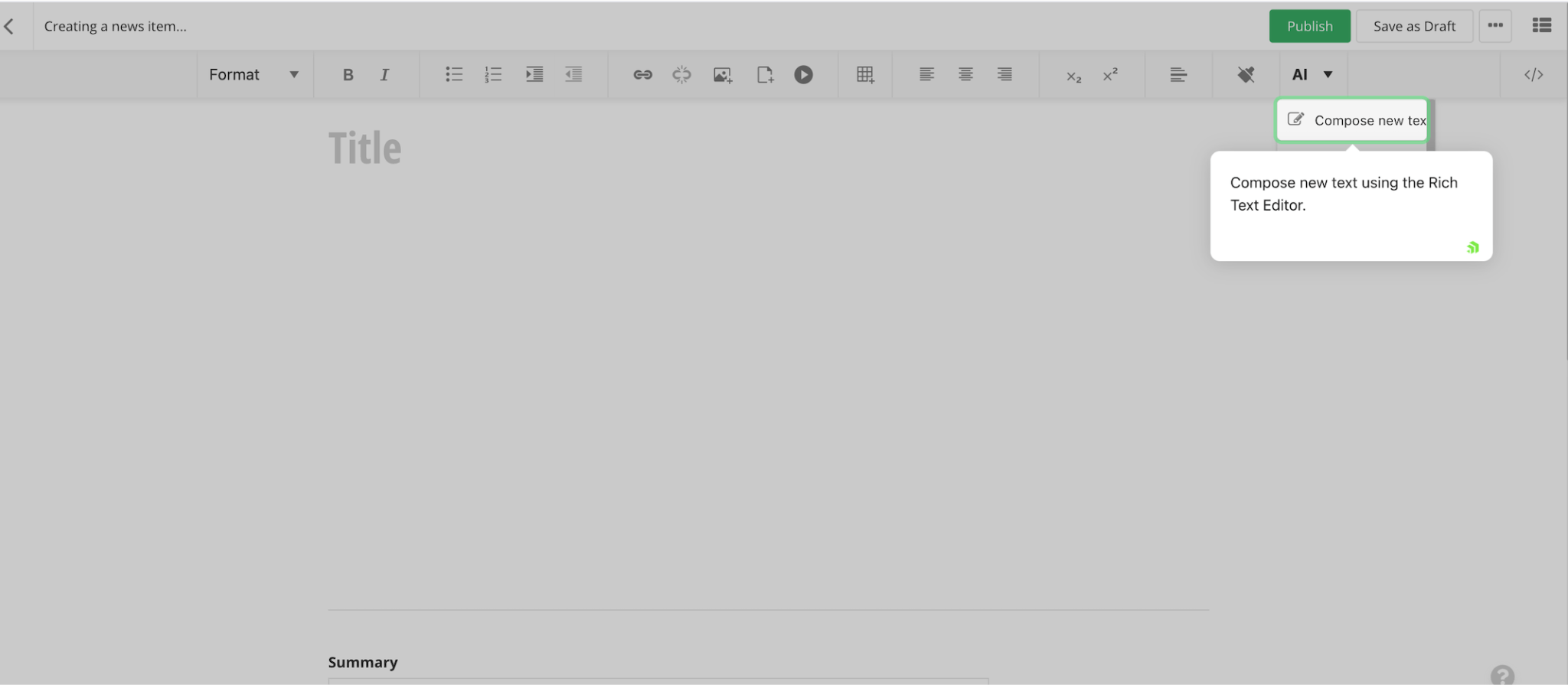
Provide the key points you want to cover, describe your audience, set a tone such as excited or professional, and specify word length.
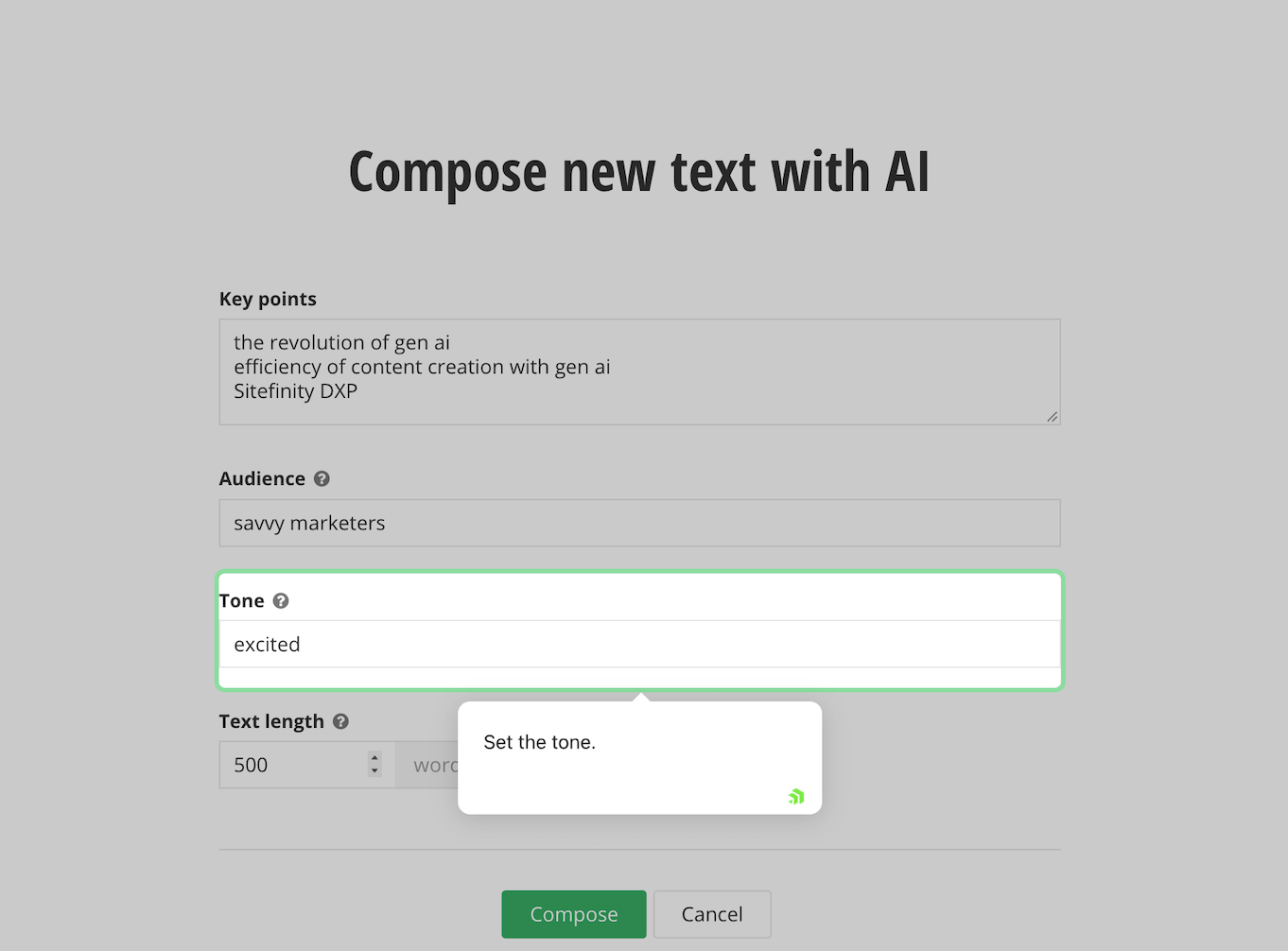
Once you click “Compose,” Sitefinity AI generates a draft based on your instructions.
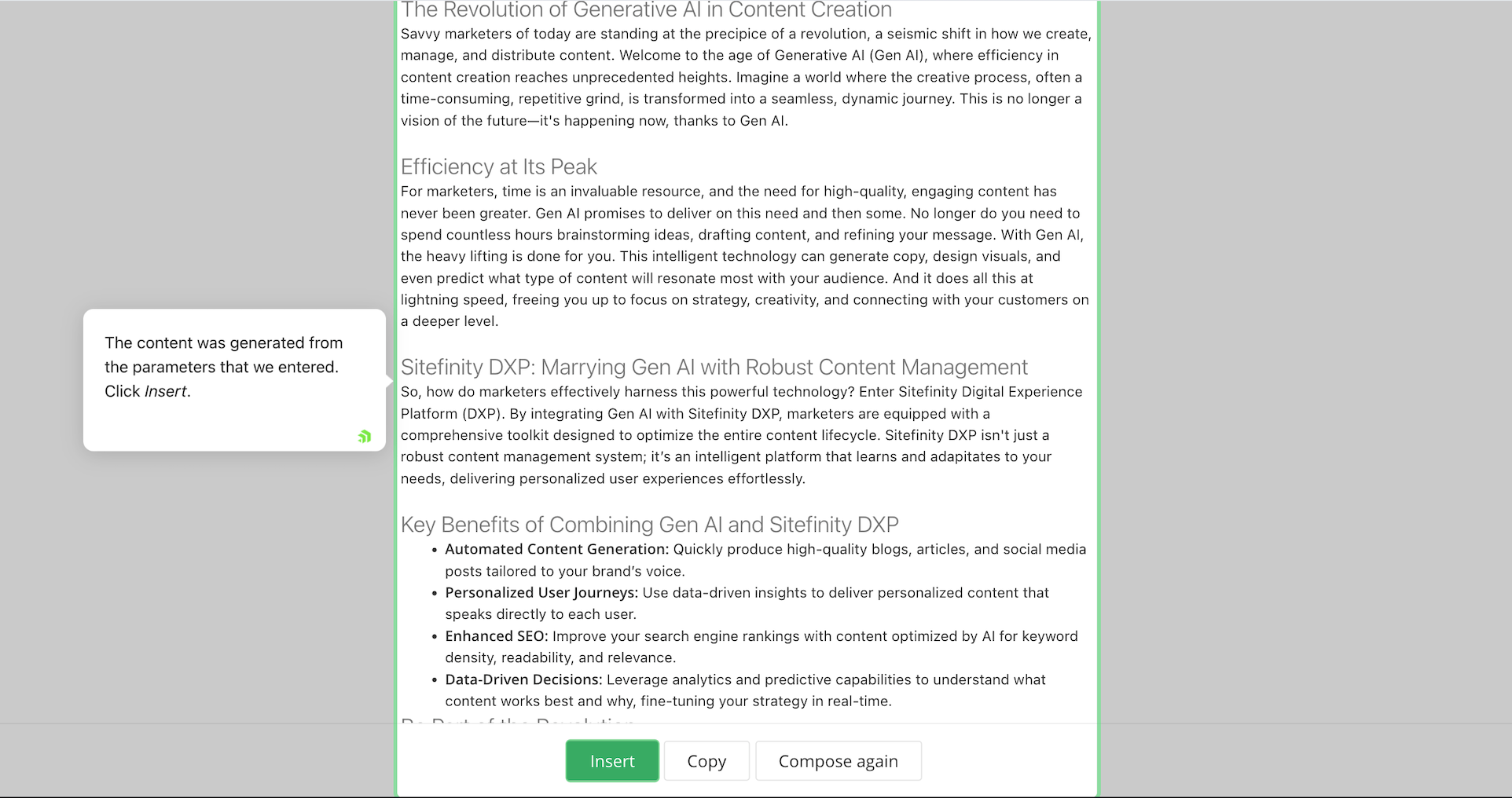
You can review it, insert it into your content, copy it or generate another version if it’s not quite what you had in mind.
Step 3. Improve Your Writing and Adjust the Length
Sometimes, you’ve written a paragraph that gets the point across but could use a little work. Maybe the grammar needs fixing, the sentences feel clunky or the tone isn’t quite right.
Instead of rewriting the whole thing yourself, you can use the Sitefinity Improve Writing feature to refine the text.
Select the passage you want to improve, click the AI button and choose “Improve writing.” Sitefinity generates a revised version that you can compare with the original before deciding whether to use it.
You can also use “Make shorter” or “Make longer” when a section needs adjusting. These options let you work with the text you already have rather than starting over.
Step 4. Create Shorter Versions With Summarize
Once you’ve drafted your news article, you might need shorter versions for other places. This could be a meta description for search, a short teaser for social media or a quick summary for your newsletter.
Writing each one from scratch can get repetitive, especially when you’re working with the same information. This is where the Sitefinity Summarize Text feature comes in handy.
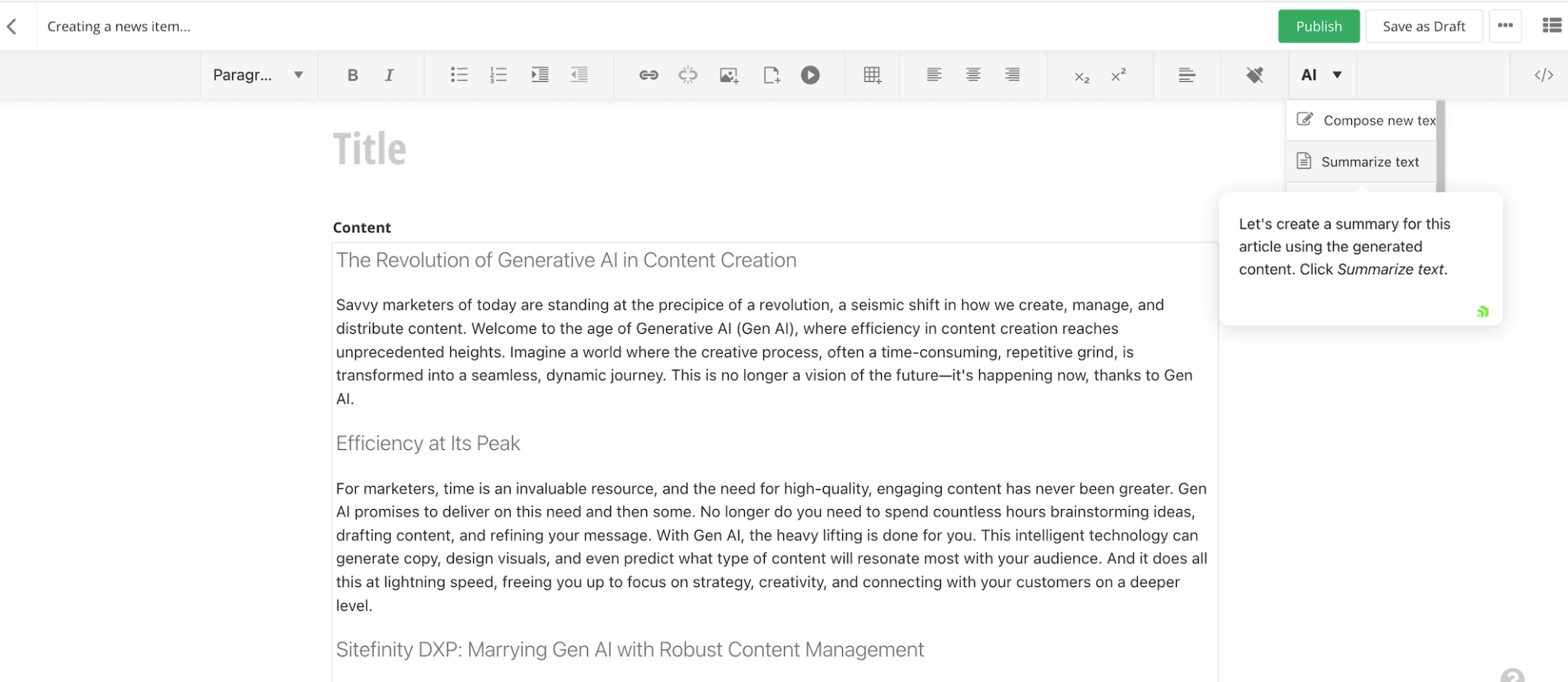
Select the passage you want to summarize, or leave the text unselected if you want to work with the entire content block. Then click the AI button and choose “Summarize text.”
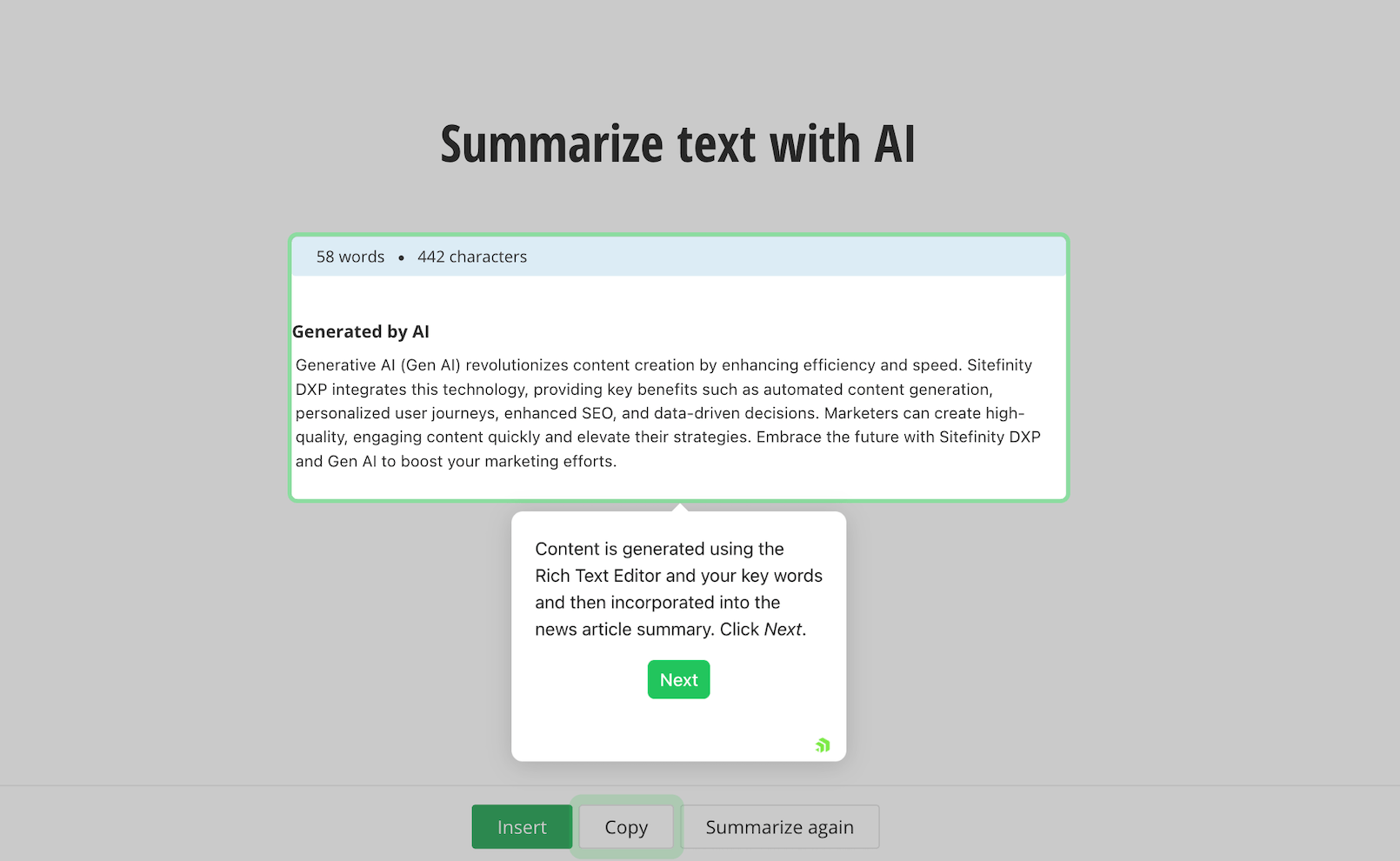
Sitefinity CMS generates a shorter version that you can review against the original. You can copy it, insert it into your content or use it to replace the selected text.
Step 5. Check Brand Consistency Before Publishing
Writing a draft is one thing. Making sure it follows your company’s brand guidelines is another, especially when several people are creating content.
One writer might describe your product as “easy to use,” while another uses completely different wording. Someone might write a product name in lowercase when your brand guidelines require capitalization.
The Sitefinity Brand voice and style Agent can help with these kinds of inconsistencies. Administrators can configure the agent with the company’s writing guidelines, including preferred terminology, tone and style.
The agent then reviews content and suggests changes where the writing doesn’t follow those instructions. The writer can review the suggestions and choose whether to accept or dismiss them.
The Brand voice and style Agent is available in supported Sitefinity Cloud versions with an active Sitefinity AI subscription. Administrators also need to configure the brand guidelines before teams can receive tailored suggestions.
Step 6. Review and Publish Your News Item
Once you’ve finished editing your announcement, give everything one final review. Check the title, links, product details and images you’ve added, and make sure the formatting looks right.
You can also add categories and tags to help organize the content.
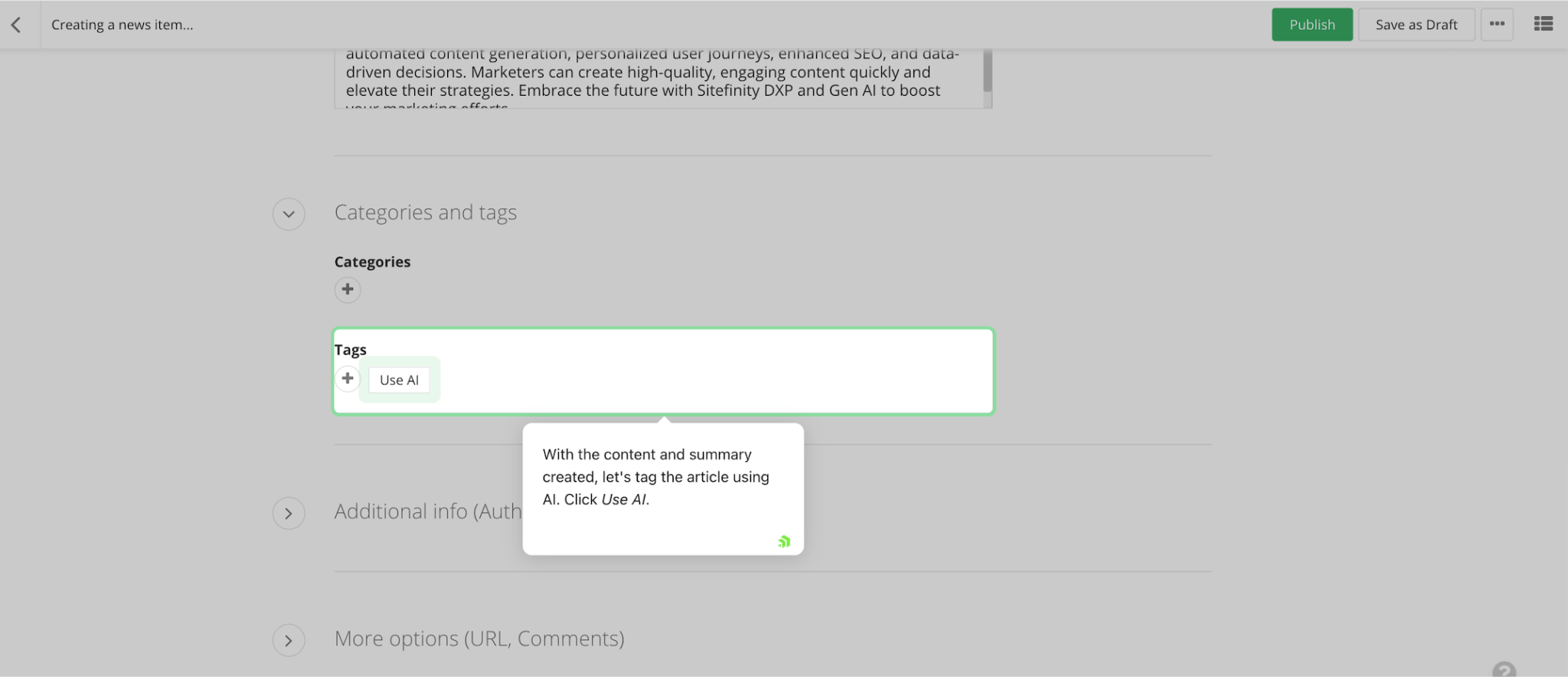
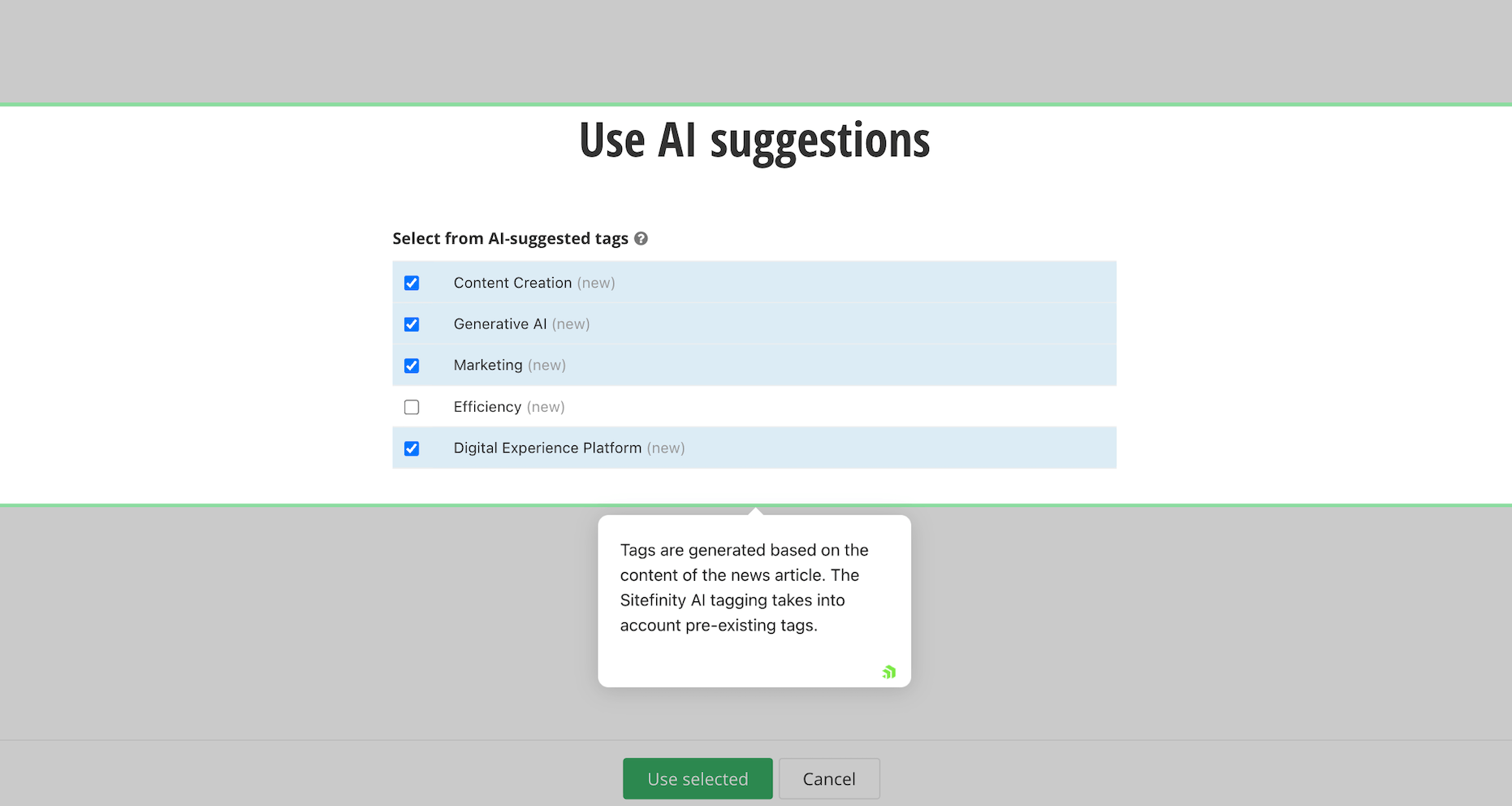
Sitefinity CMS supports AI-generated tag suggestions, so you can review relevant tags and choose which ones to apply rather than coming up with every tag yourself.
Once everything is in place, use Preview to see how the article will look on your website. If you’re happy with it, you can publish the news item.
Depending on how your organization has configured Sitefinity CMS, you may also save it as a draft, schedule publication or send it through an approval workflow. Sitefinity CMS supports content approval workflows with up to three levels of review, which means your team can continue using its existing editorial process even when AI helps with the writing.
Make AI Part of Your Everyday Content Workflow
As marketing teams plan their AI investments for 2027, it’s worth considering how these tools can fit into the work they already do.
Sitefinity AI offers a practical starting point. Your team can draft content, improve writing, prepare shorter versions and check brand consistency directly in the CMS, while continuing to use the same editorial and publishing processes.
To see how these capabilities work, explore Sitefinity AI or request a demo. For more ideas on bringing AI into your marketing workflows, check out the AI Your Way webinar.
Enjoyed this article?
Add Progress as a preferred source to see more of our content in Google search.
Add Progress as a preferred source on Google
John Iwuozor
Content Lead

