Configure IBM DB2 JDBC Driver in Splunk DB Connect

Tutorial: How to use an IBM DB2 JDBC Driver to make the most of Splunk DB Connect while importing data into Splunk.
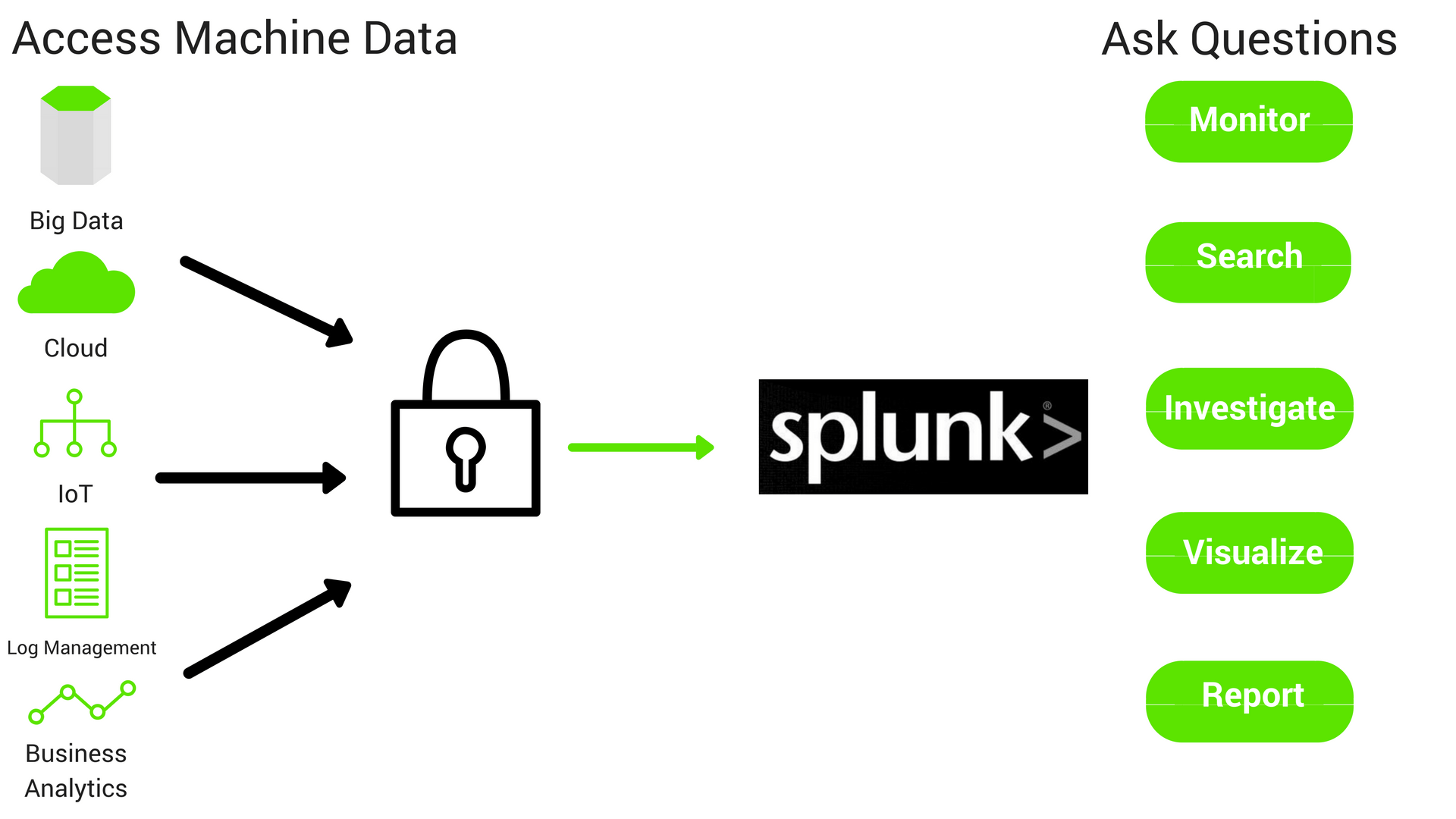
Splunk, or “Google for machine data/logs,” is a web interface used to analyze, monitor and search for machine-generated big data. Its primary use cases are security, compliance, application management and analytics. On top of this, Splunk also offers top-tier log analysis.
Your organization may want to connect to an external database from Splunk to retrieve data from a database or write Splunk enterprise data into databases, etc. Splunk has a DB Connect app that easily installs into your Splunk Enterprise. The DB Connect app uses a JDBC driver in the background to perform any operations against the database.
Data Silos in IBM DB2
IBM DB2 continues to be strong in IT infrastructure owing to its scalability, flexibility and low cost. Despite its age, it is currently ranked #6 on DB-Engines. As data is extracted, loaded and transformed in IBM DB2 it becomes important for organizations to be able to access this data from Splunk. DataDirect provides a high performing IBM DB2 JDBC driver that can be used along with DB Connect to access DB2 data from Splunk.
Analyze Siloed Data with Splunk DB Connect
With the explosion of data flowing through enterprise apps, data has become more siloed than ever before. How do you get a complete picture of your data? The Splunk DB Connect app makes this possible by combining disparate data to be analyzed by Splunk Enterprise, providing actionable insights.
Don’t Use Go-Cart Tires on Your Ferrari
JDBC drivers are critical to a successful connection between your data silos and Splunk DB Connect. The default native and checkbox drivers provided by Splunk can never scale up to your organizational needs. If Splunk is your Ferrari and the drivers are your tires, would you choose go-cart tires that barely let you move or racing tires that let you go 170 mph?
Checkbox drivers are like your grandpa’s station wagon, and using them is like using the go-cart tires. They get the job done, but with a major performance cost. We have developed powerful JDBC drivers to drastically improve the functionality, security and performance of your IT infrastructure. Learn all about how our drivers outperform checkbox drivers here.
Tutorial: Connecting Splunk Enterprise to IBM DB2 via JDBC Driver
Ready to connect your DB2 database with Splunk using high performance JDBC drivers? Sai Krishna outlines the entire process of installing and configuirig the Progress DataDirect JDBC drivers in your Splunk Enterprise in this tutorial.Begin the Tutorial
Enjoyed this article?
Add Progress as a preferred source to see more of our content in Google search.
Add Progress as a preferred source on Google