
Automate MFT + Azure Blob Storage Integration
Move files to and from Microsoft Azure Blob Storage as part of automated, secure workflows without scripts. Use Automate MFT to standardize how teams connect to Blob containers, manage credentials centrally and run transfers on schedules with built-in governance and visibility.
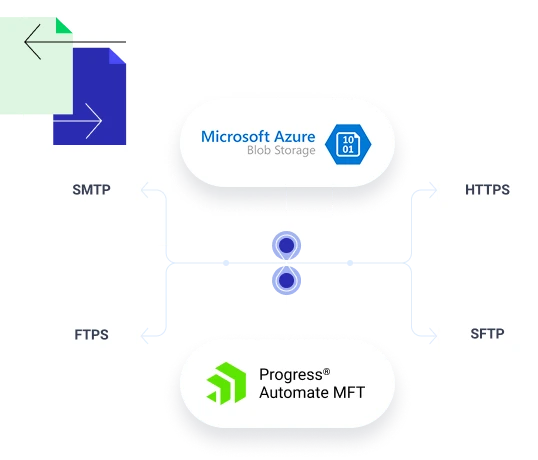
What the Progress Automate MFT Azure Blob Storage Integration Enables
Automate MFT uses a first-class Azure Blob Storage endpoint (a reusable connection definition) that points to a specific storage account and container and references a reusable authentication method. This cloud file transfer automation approach helps you standardize and reuse connection settings across multiple tasks and centralize control over endpoints and credentials in one place.
Typical File-Based Workflows with Azure Blob Storage Endpoints
Application-to-Cloud Workflows
Move reports, statements, logs, batch files or images from on-premises apps into Blob Storage for downstream processing
Centralized Archive
Copy completed files to Blob Storage for retention, cost tiering or lifecycle policies (managed in Azure)
Cloud-to-on-Premises Data Delivery
Pull files from Azure Blob and deliver them to internal file systems or downstream systems through automated tasks
How Automate MFT Works with Azure Blob Storage
See Azure Blob storage file transfer automation live.
REQUEST A DEMOFAQs
Related Cloud File Transfer Integrations
To enable secure, no-code file transfer automation.



Ready to Automate Secure File Transfer with Azure Blob Storage?
