
No-Code File Transfer Automation for Secure Hybrid Workflows
Build, schedule, govern and scale secure file transfer workflows across cloud, on-premises and remote environments without script sprawl.
Replace Scripts with Centralized, Governed Automation
Build Faster
Create and update workflows in a patented point-and-click interface instead of stitching together manual scripts.
Reduce Risk
Keep business-critical files moving securely, on time and with consistent controls.
Scale Across Hybrid IT
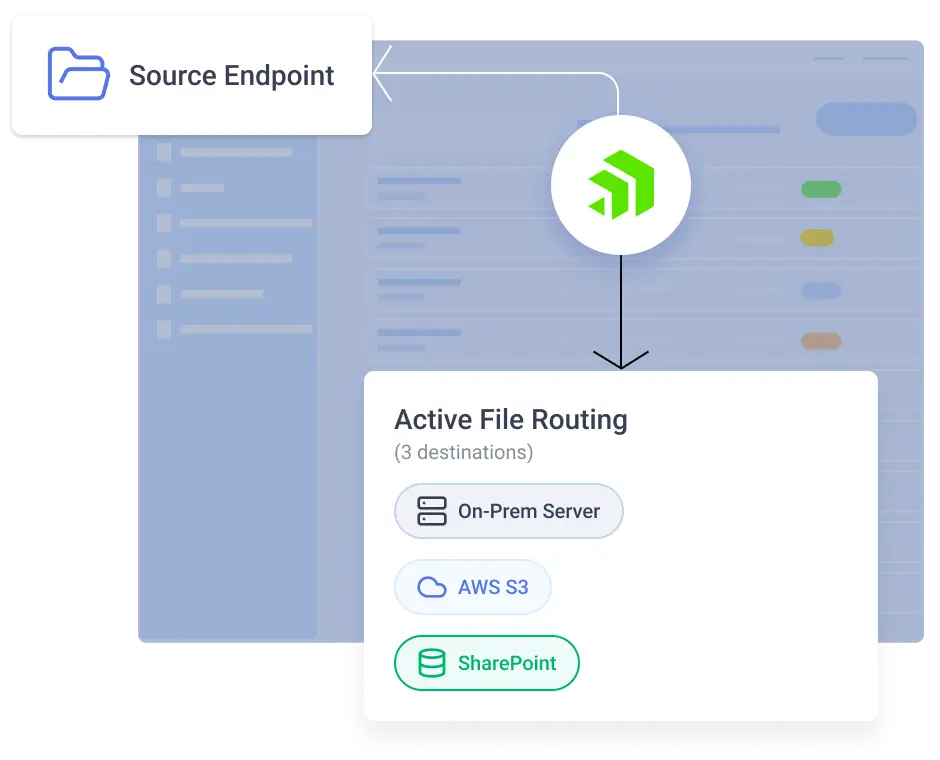
Run workflows across cloud services, on-premises systems, remote locations and partner environments.
Improve Visibility
Monitor activity, organize tasks and maintain audit trails from one central console.
What Is No-Code File Transfer Automation?
No‑code file transfer automation allows organizations to design, run and manage secure file workflows without writing or maintaining scripts. Instead of relying on custom PowerShell, Python or cron jobs, teams use a patented visual automation builder to orchestrate file movement, processing and delivery across cloud, on‑premises and partner environments.
Progress® Automate MFT delivers no‑code automation purpose‑built for secure managed file transfer (MFT). It combines enterprise‑grade security, centralized governance and distributed execution so teams can automate critical file workflows with less risk, less manual effort and more visibility. Build sophisticated workflows with native steps, filters, macros and built-in operations, while retaining PowerShell extensibility for specialized requirements.
How Automate MFT works
1
Connect your endpoints
Configure cloud storage, data lake, SFTP, FTPS, local file system, network share, mailbox and partner endpoints involved in your workflow.
2
Build and Document
Use the no-code interface to define the steps, schedules, rules and file handling logic required. Add comment steps inside tasks to explain workflow logic, partner requirements and more.
3
Run through the right agent
Execute transfers through Progress-hosted agents in the cloud or self-hosted agents deployed behind the firewall on Windows or Linux.
4
Monitor and govern activity
Track task runs, file activity, audit trails, authentication methods and operational results from a central console, with report APIs available for broader visibility.
5
Scale as needs grow
Add agents as business requirements expand, including pooled self-hosted agents for resiliency and load balancing.
6
Reuse and standardize configurations
Clone endpoints, personalize grid layouts and manage schedules, credentials and tasks centrally to reduce repetitive administration. Use the recycle bin recovery to undelete tasks and library assets.
Why Progress Automate MFT No-Code Automation?
Traditional file transfer automation often depends on brittle scripts, disconnected schedulers or legacy MFT servers that are difficult to manage and audit. Over time, these approaches create hidden risk, operational overhead and limited visibility.
Automate MFT replaces these approaches with a centralized, no‑code automation platform that helps teams:
Adapt to complex FTPS environments:
Configure additional FTPS commands at defined stages of the transfer lifecycle to better support partner requirements, legacy server expectations and more predictable secure file transfer automation.
-
Keep custom logic governed:
Use expanded native PowerShell functionality for file, data and metadata logic while maintaining centralized visibility and control instead of pushing teams back into unmanaged scripts.
-
Build and update tasks faster:
Use drag-and-drop task steps and create tags and schedules directly in the editor to speed task creation and help standardize workflows as environments grow.
-
Support enterprise access governance:
Use identify providers, single sign-on and authentication to simplify least-privilege access, onboarding and offboarding as part of zero-trust initiatives.
See No-Code File Transfer Automation in Action
This interactive demo lets you explore how easy it is to create, schedule and monitor secure file workflows without scripting, while keeping file movement audit-ready across hybrid environments.

Follow a sample task from setup to execution and see how Automate MFT simplifies secure, scheduled and governed file transfers
Take a Tour
Key Features
What You Can Do with Automate MFT
Orchestrate workflows across cloud, on-premises and remote sites. Automate MFT enhances visibility and control and supports compliance—even for highly distributed organizations.
Build Workflows Without Script Sprawl
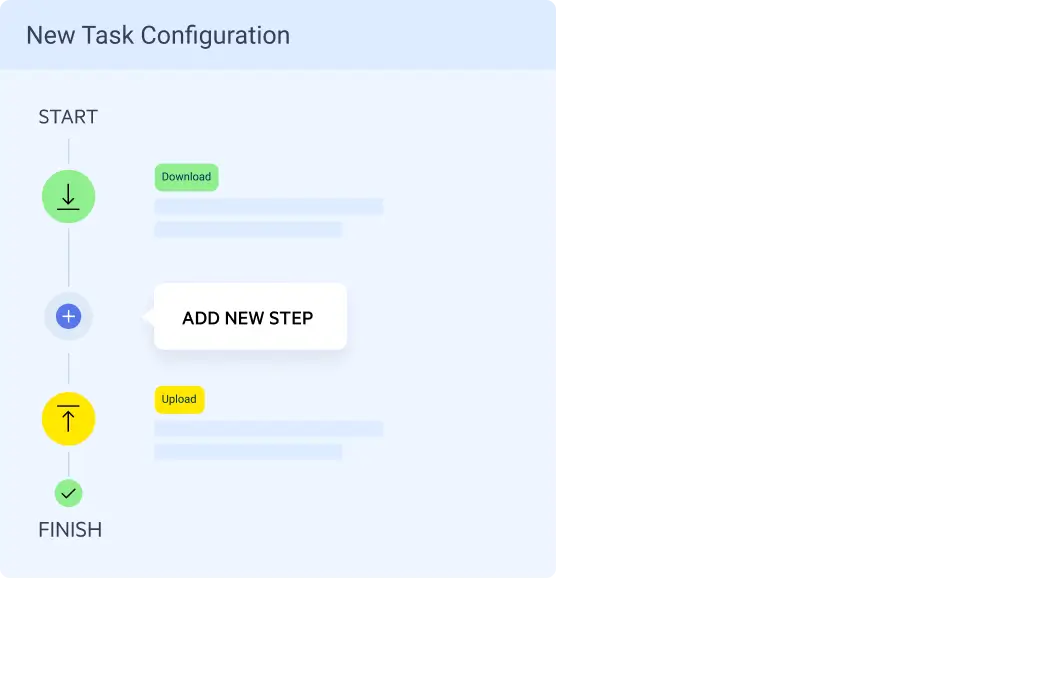
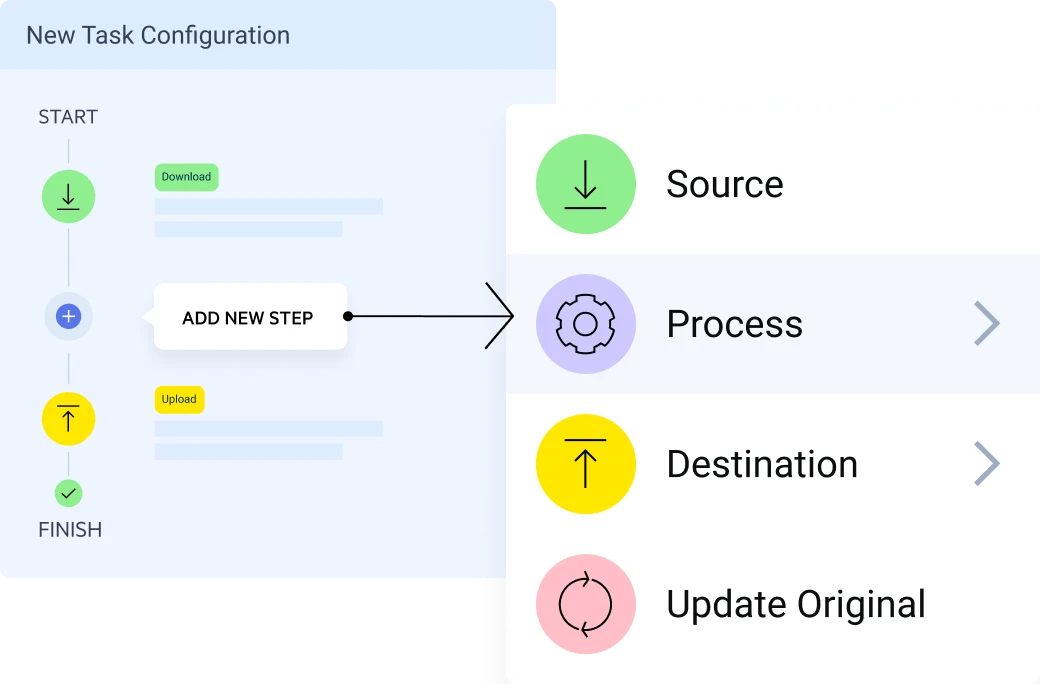
Visual, point-and-click task creation with a patented, easy-to-use interface
Built-in actions and scripts encrypt/decrypt, compress/decompress, rename, move, replace, lookup and validate files
Conditional logic and branching for real-world workflows
Built-in version history for rollback and auditability
Extend logic with built-in PowerShell scripting without losing centralized control, visibility or auditability
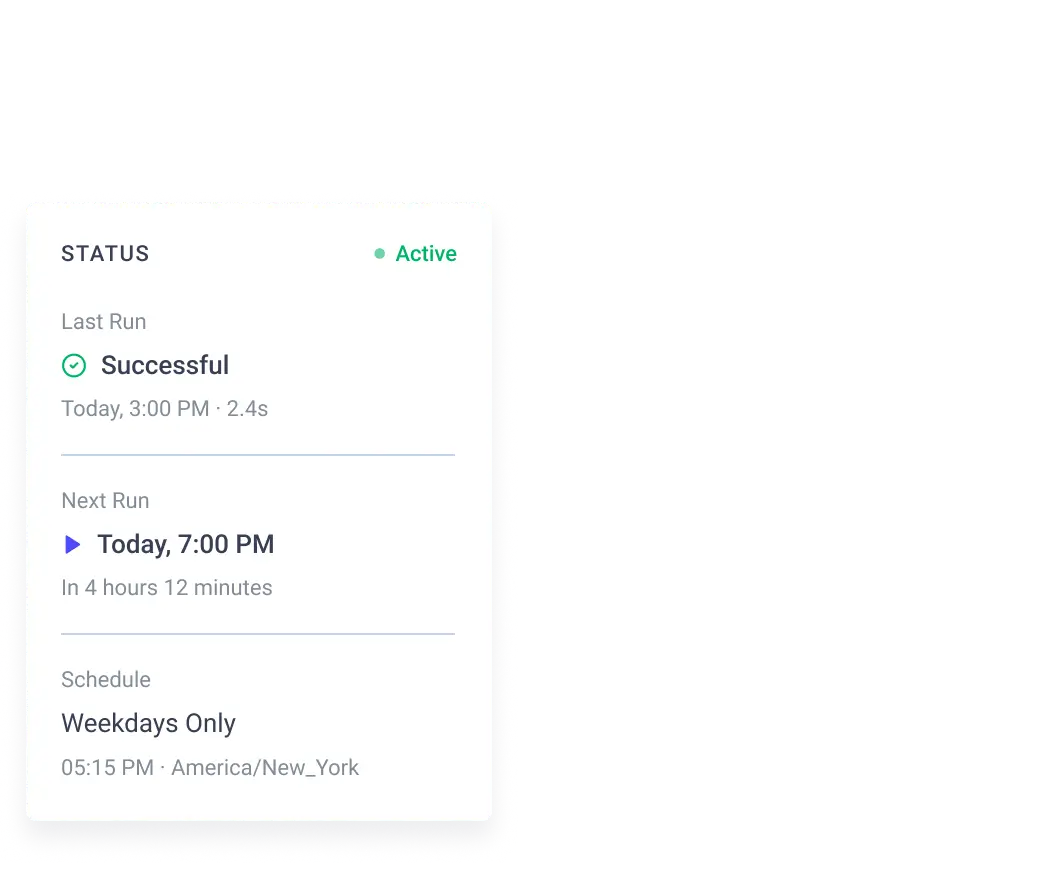
Schedule File Transfers Around Business Deadlines and SLAs
Align file transfers to deadlines, SLAs or preferences with custom intervals
Run transfers for global team members with calendar and time zone control
Share schedules with multiple automations
Run automation schedules indefinitely or through specific dates
Execute File Exchanges Via Agents Close to the Data
Automate MFT uses a coordinator‑agent architecture designed for hybrid and distributed environments. Workflows are designed and managed centrally, then executed by lightweight agents deployed close to the data source.
This model allows organizations to:
Run file transfers inside on‑premises networks, cloud environments or restricted zones
Minimize network exposure by keeping data transfers local
Maintain centralized visibility, logging and governance
Scale automation across locations, departments and regions without re‑architecting
The result is secure, flexible file automation that works wherever your data lives.
Explore agents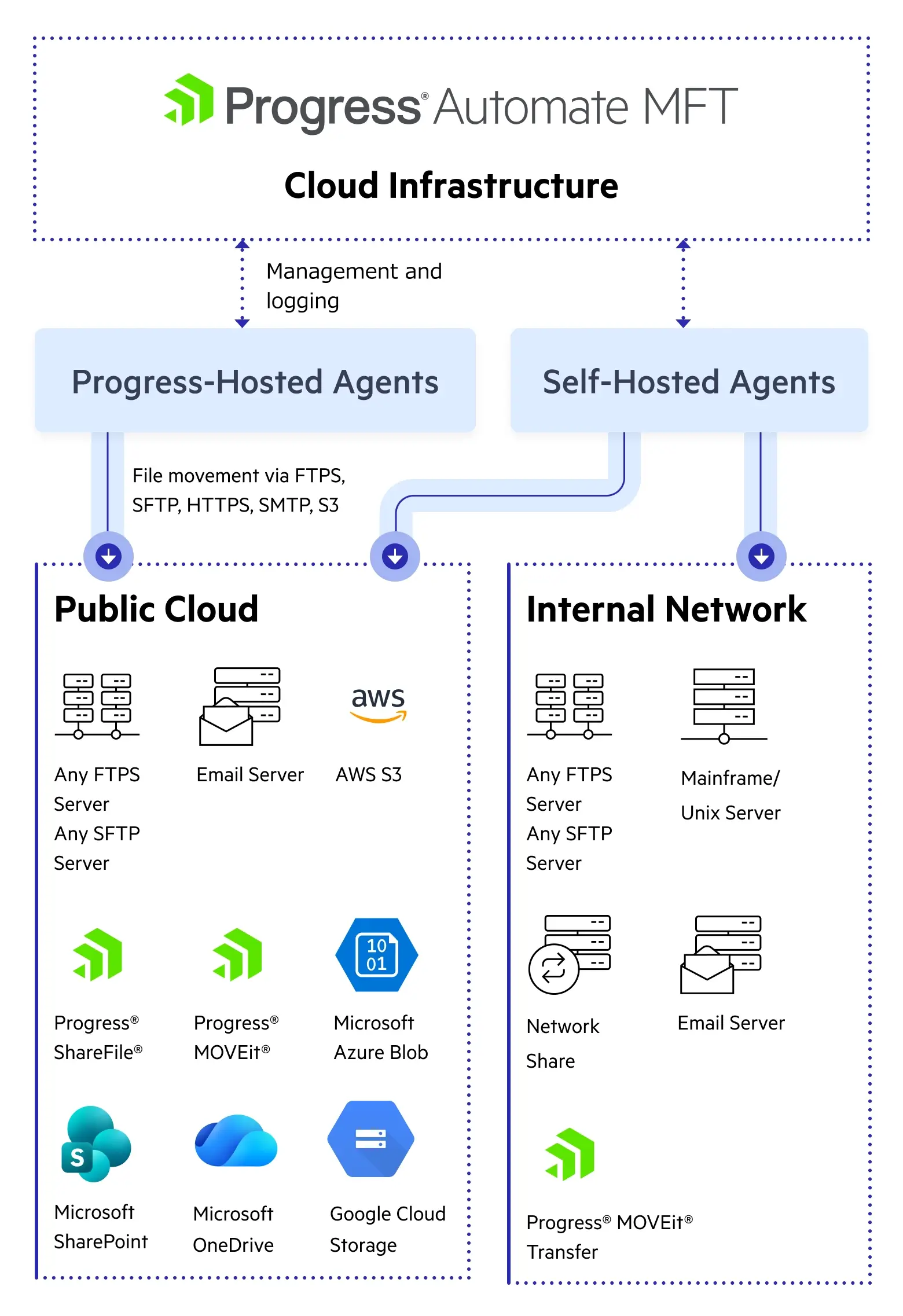
Connect Hybrid Endpoints
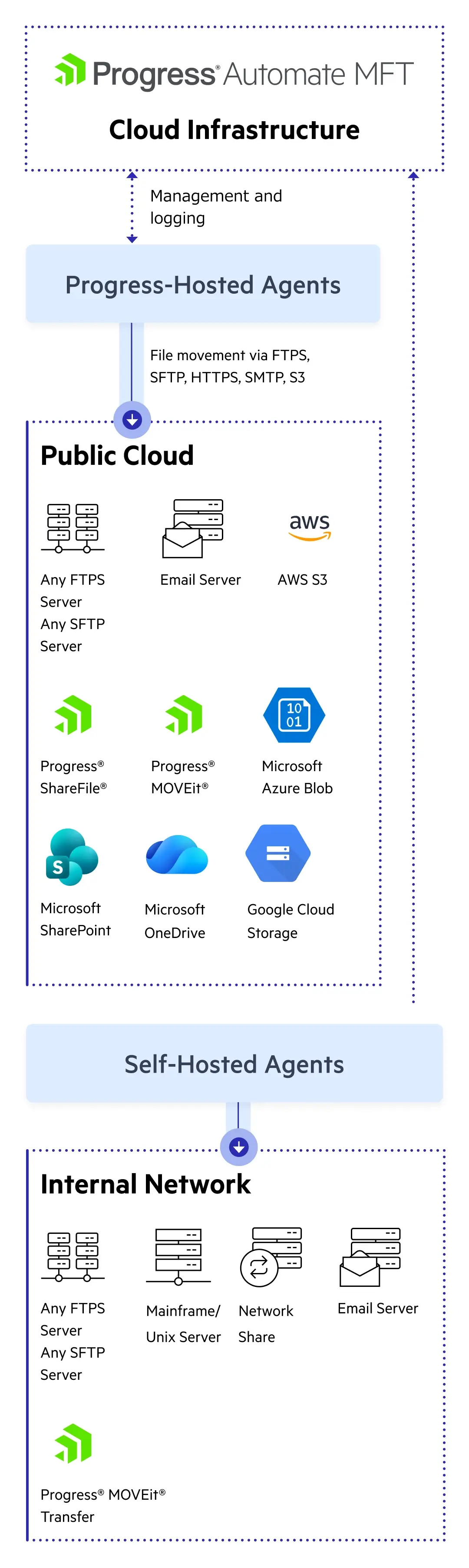
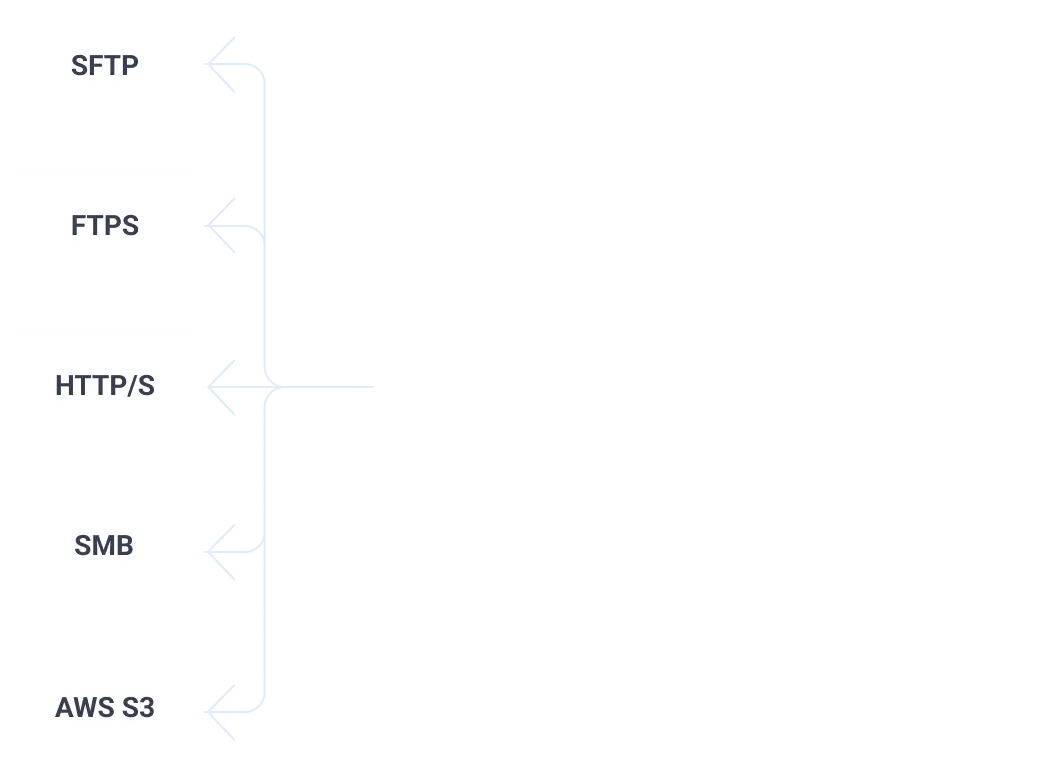
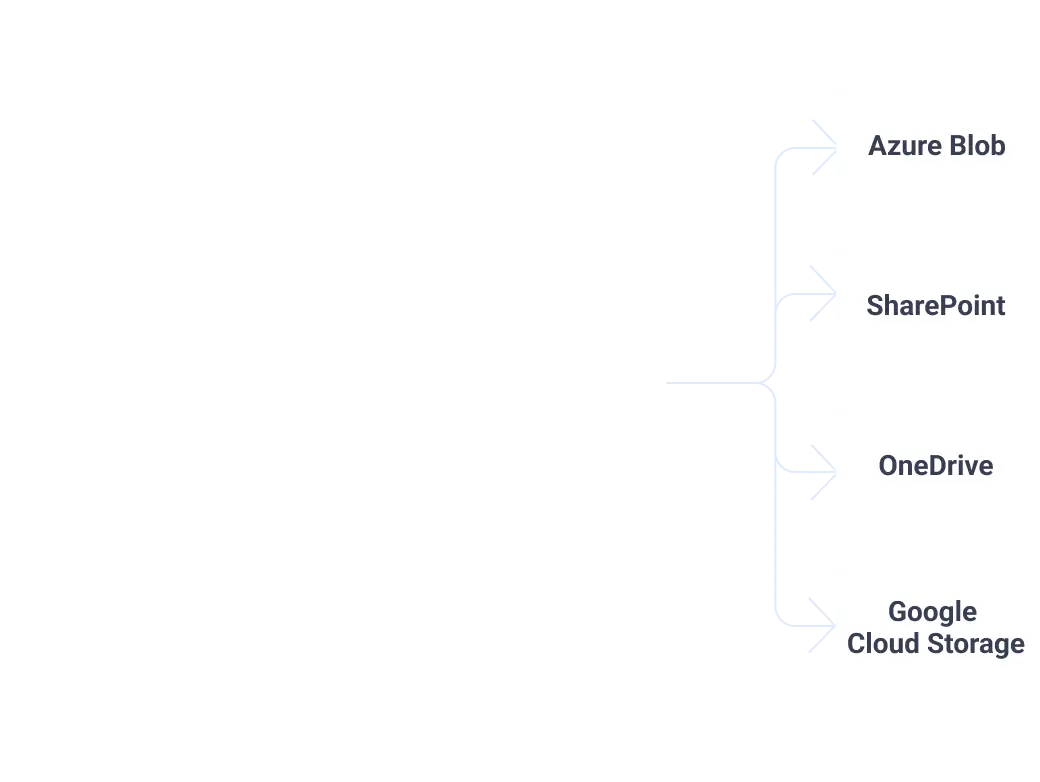
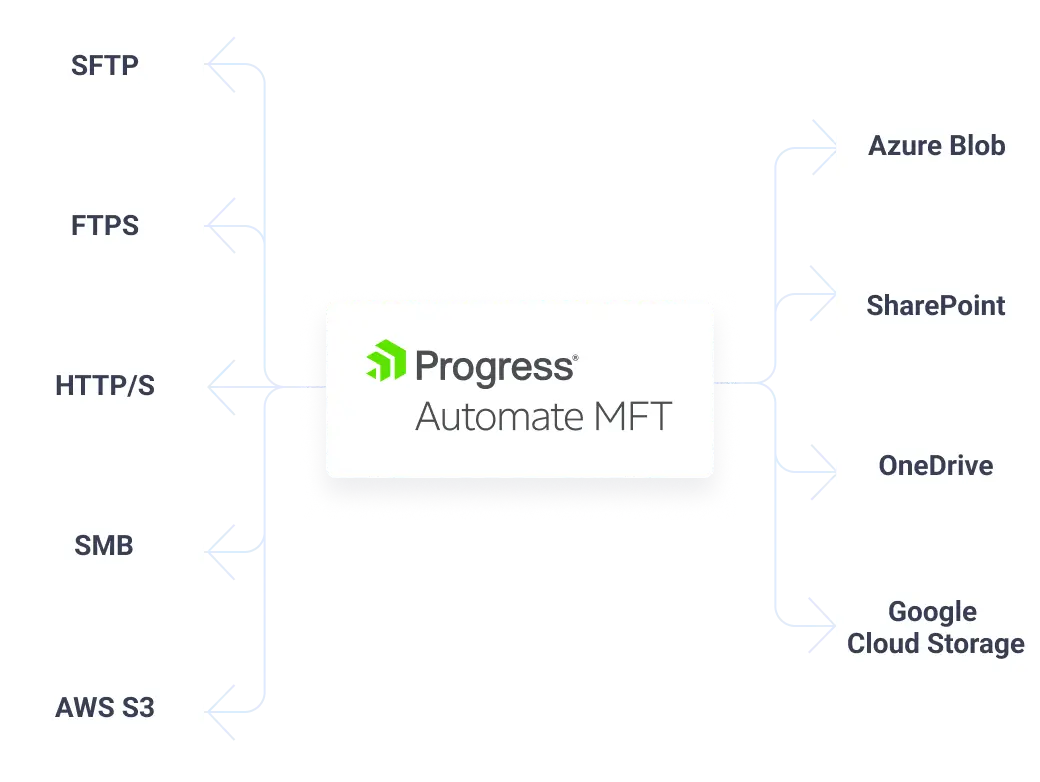
Transfer files more securely using your preferred protocol, including SSL/FTPS, SSH/SFTP, HTTP/S, SMTP and CIFS/SMB/UNC
Integrate with cloud applications from AWS, Azure and Progress® ShareFile® software
Connect to on-premises endpoints from Progress® MOVEit® software and Progress® WS_FTP® software
Monitor and Audit File Transfer Results
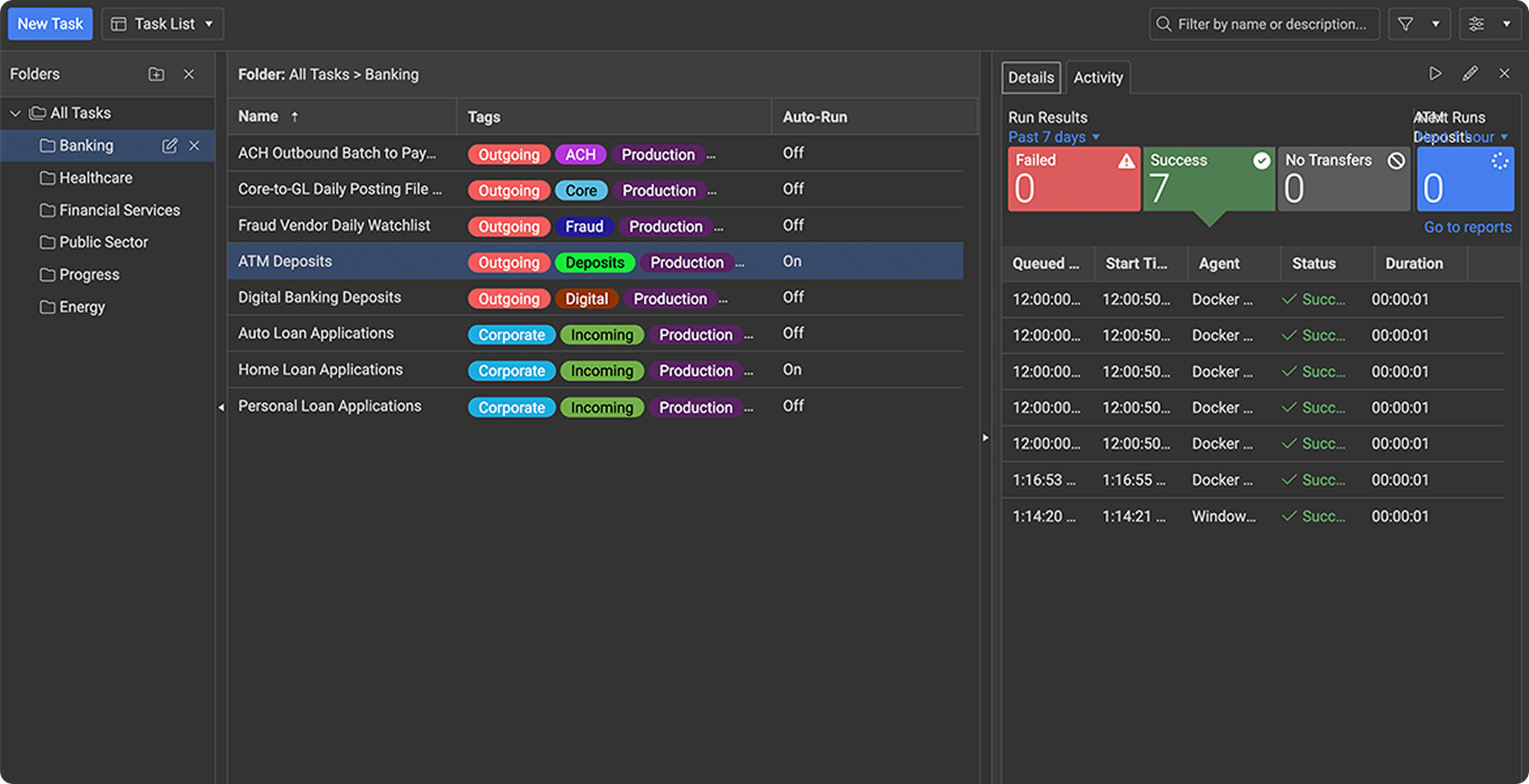
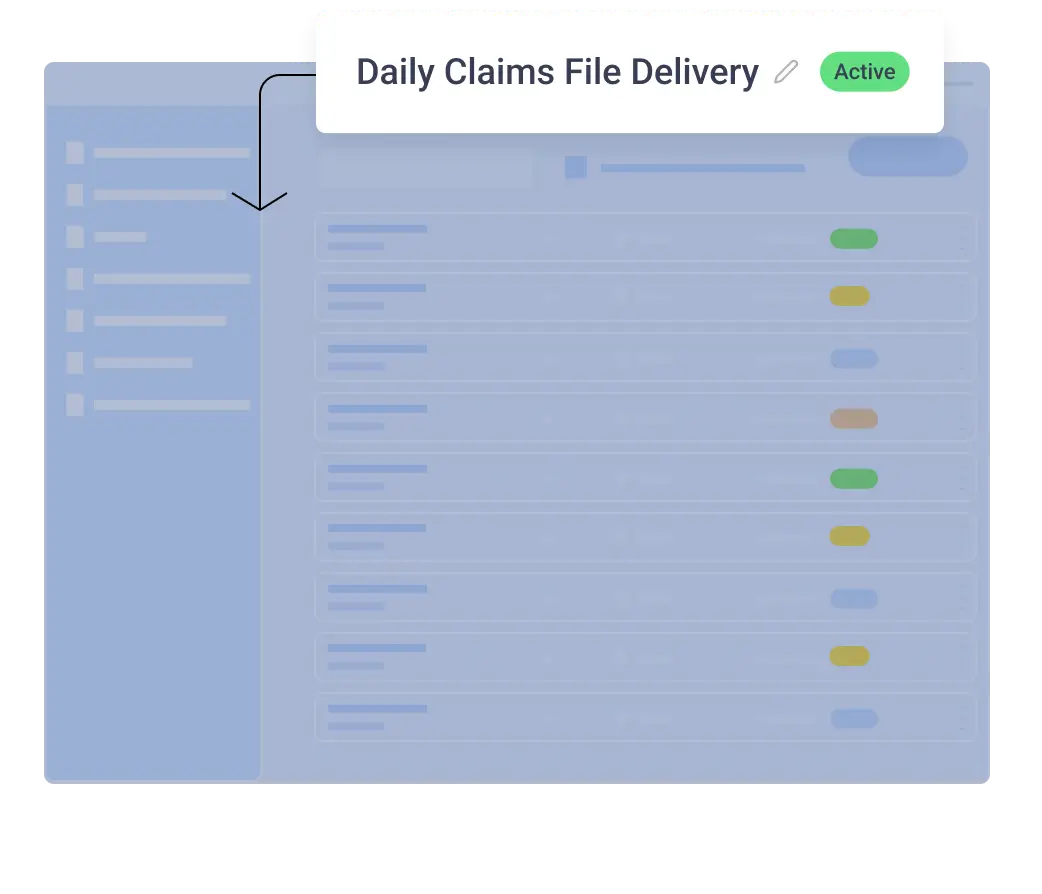
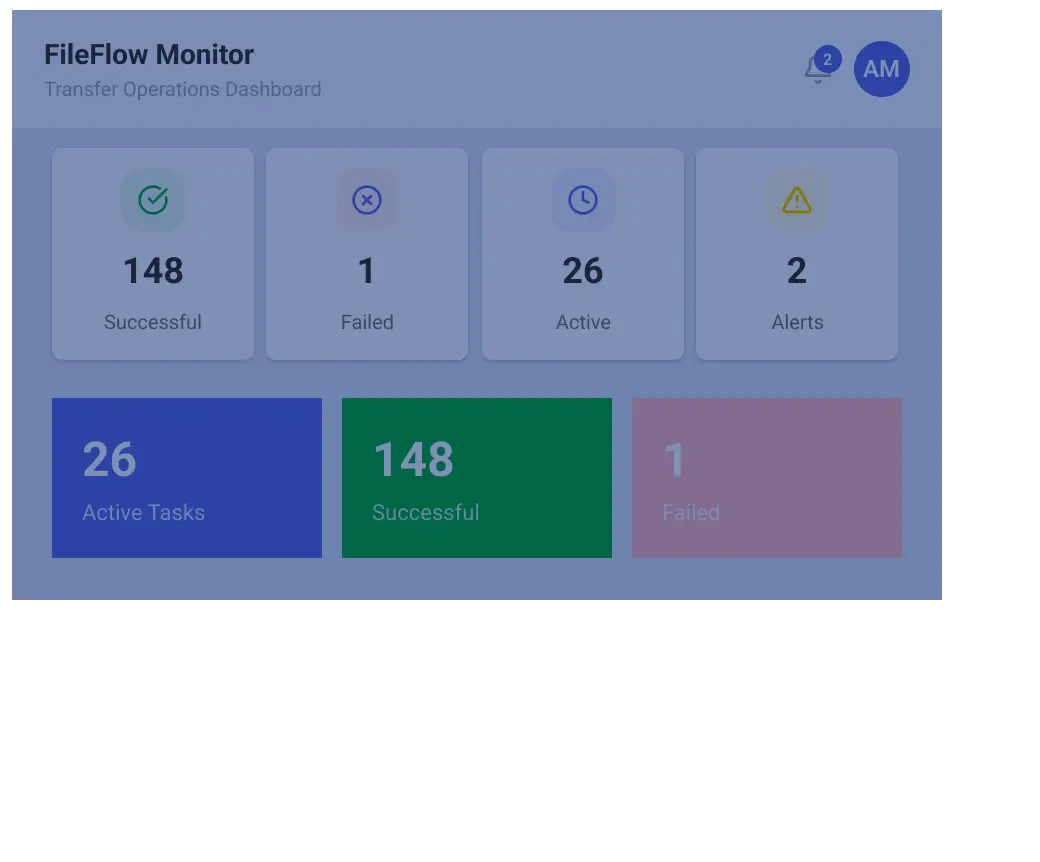
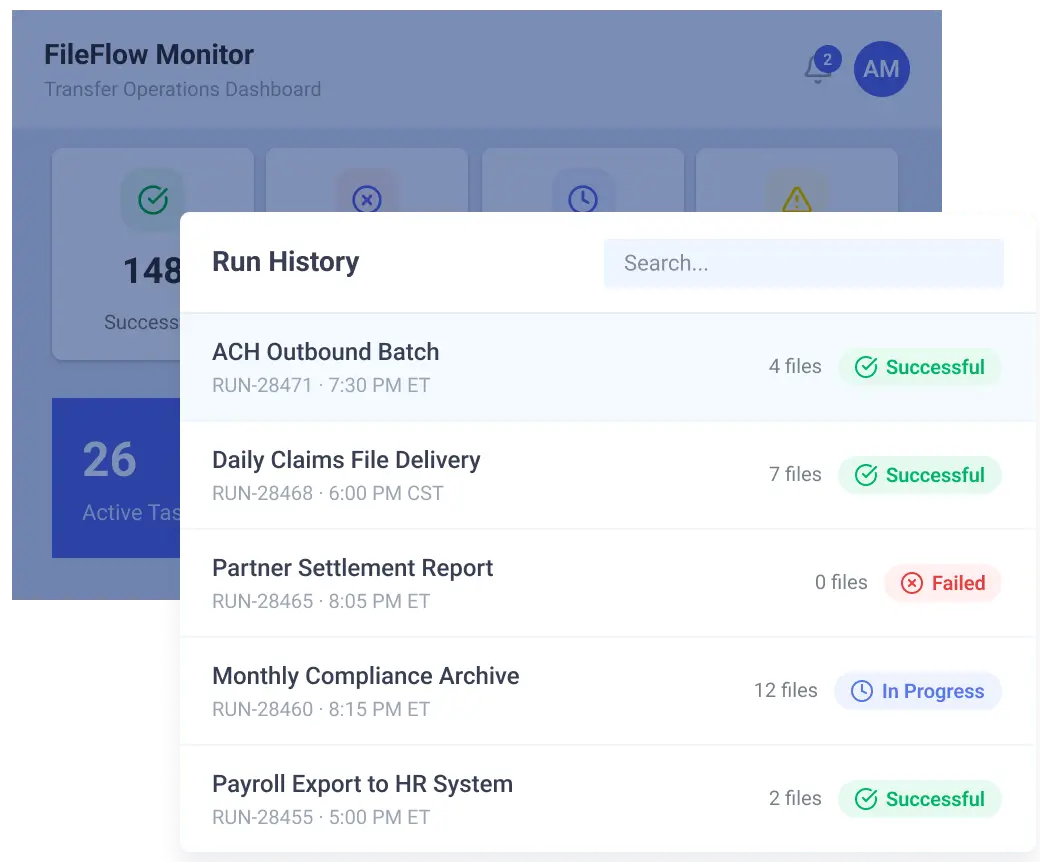
See every task on one screen to quickly edit or drill into activity
Organize tasks with tags and folders for simple editing and management
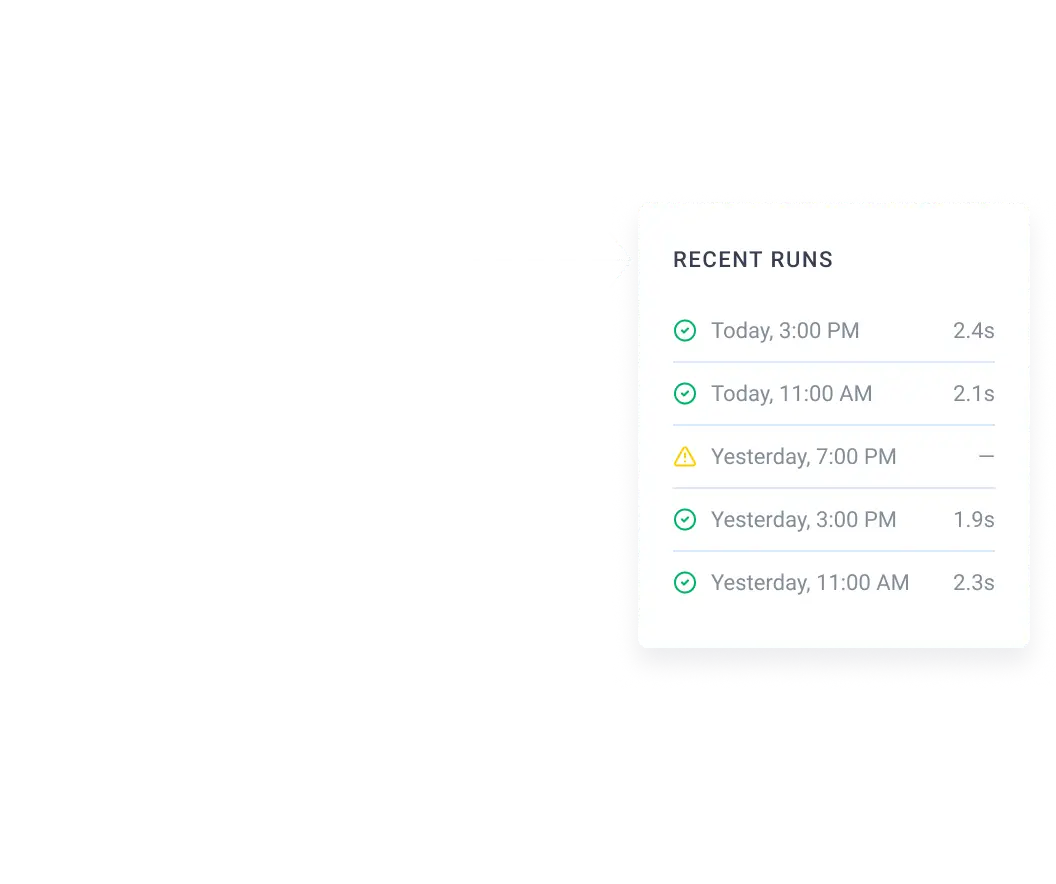
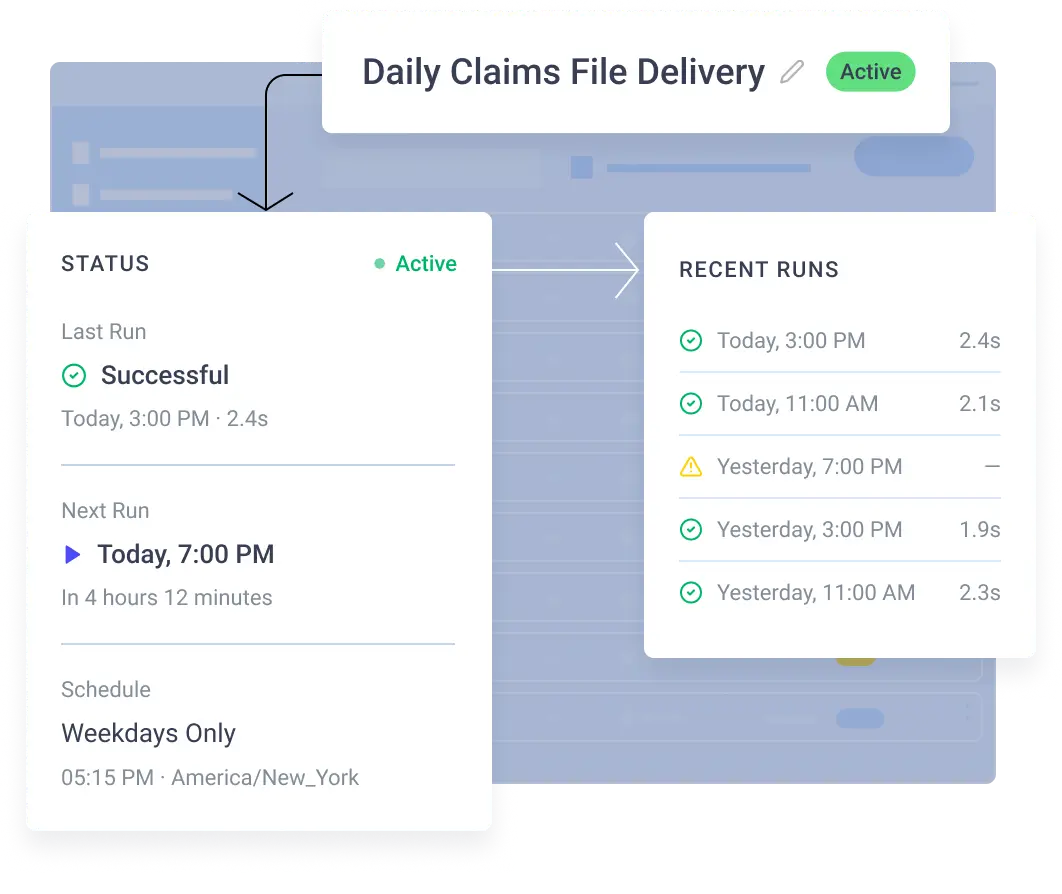
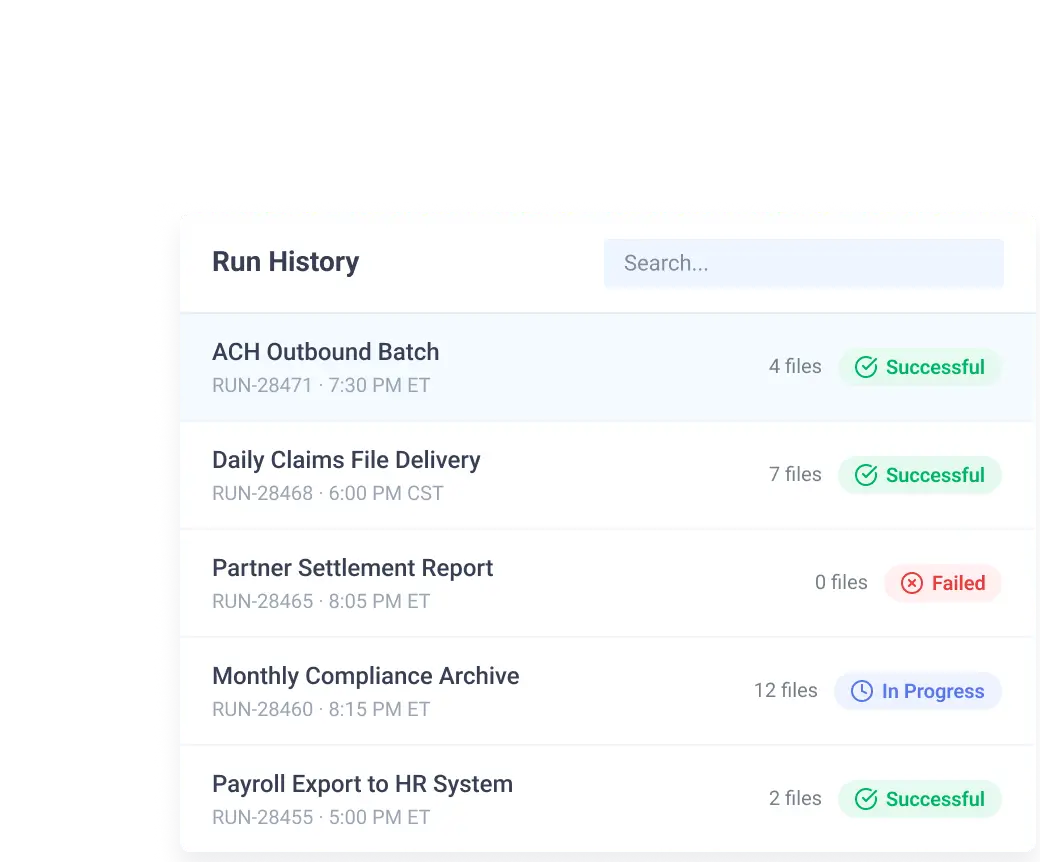
Monitor tasks with run history and audit trails
No-Code Automation Benefits
Save time building, executing and managing business-critical file workflows
Reduce the risk of human error or scripts breaking and causing silent errors
Accelerate file transfer projects by adding new hosts or tasks in minutes
Common No-Code Automation Use Cases

Partner and B2B File Exchange
Automate inbound and outbound transfers across trading partners while maintaining encryption, schedules and retries.
Cloud-to-On-Premises Data Flows
Move data between AWS, Azure, OneDrive, Google Cloud and on‑premises systems without rewriting integrations.
Compliance‑Driven File Processing
Maintain secure, auditable movement of sensitive files with centralized logs and RBAC.
Distributed Team Workflows
Run automations across remote sites, cloud platforms and internal systems without redesigning workflows for each environment.
AI and Analytics File Pipelines
Deliver recurring files from partners, branches, applications and private systems into data platforms that feed BI, analytics and AI initiatives.
Financial File Movement
Deliver time-sensitive payment, reporting and other operational files on recurring schedules.
Security and Compliance Features Built into File Transfer Automation
When file transfer workflows involve sensitive data, security and governance cannot be bolted on later. Automate MFT helps teams apply consistent controls across workflows while improving operational traceability.
Configurable access controls (RBAC) with identity-governed role syncing
File encryption in transit
Multi-Factor Authentication (MFA)
Single sign-on (SSO)
Audit logs
Support for compliance-oriented environments
SOC 2 Type 1 and HIPAA certified
Recent Enhancements in Automate MFT
Automate MFT continues to evolve for modern enterprise file operations. Recent enhancements include:
- Automate MFT task migration tool
- New homepage with summary dashboard
- New built-in scripts, step repeat and step sleep support
- Change logs to see what changed in configuration values
- Consumption Unit packages
Learning & Resources




FAQs
Stop Managing File Transfers the Hard Way
Replace fragmented scripts and manual oversight with centralized, secure workflow automation built for modern hybrid IT.
