
Secure File Transfer Built for Control, Visibility and Compliance
Protect sensitive file workflows without sacrificing the flexibility your hybrid environment requires.
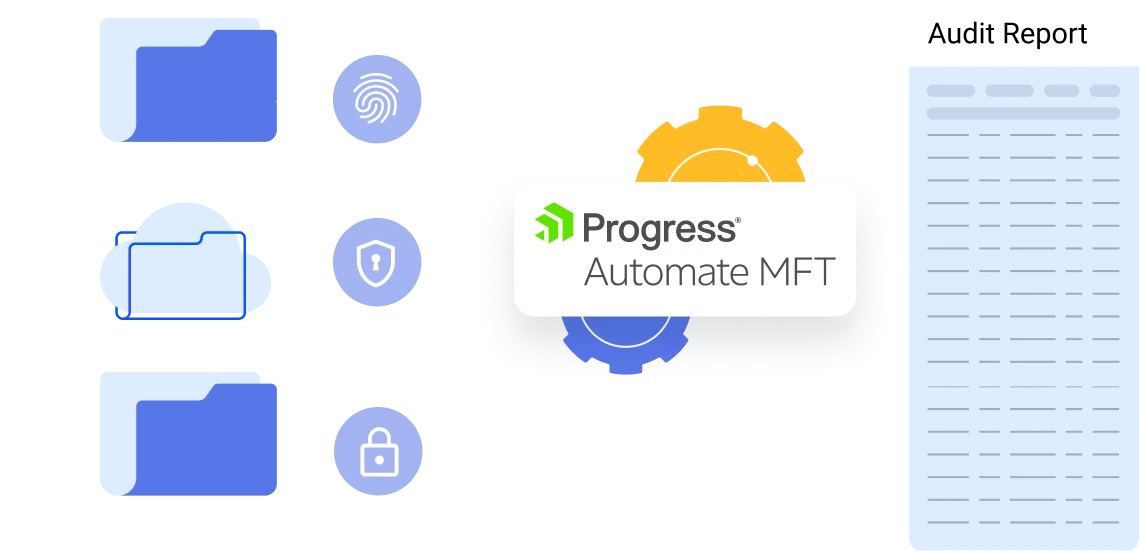
Make Security Part of Every File Workflow
Sensitive files move through a complex mix of applications, private networks, cloud platforms, shared mailboxes, partner SFTP endpoints and data repositories. When those workflows depend on disconnected scripts, manual handoffs or isolated logs, maintaining consistent security and audit evidence becomes difficult.
Progress® Automate MFT brings workflow management, access controls, authentication resources, monitoring and reporting into a centralized service. Your team can govern recurring file movement from one management plane while agents execute tasks in the environment selected for each workflow.
Standardized Transfers
Configure approved file transfers consistently across teams, systems and environments.
Controlled Access
Apply identity and access controls to file transfer workflow administration.
Secure Connections
Improve protection over file movement with secure transfer protocols and authentication methods.
Flexible Execution
Run workflows in the cloud, private and hybrid environments based on business requirements.
Centralized Visibility
Monitor task runs, file activity and workflow outcomes from one central location.
Audit Readiness
Produce more useful audit evidence without chasing disconnected logs.
Managed Maintenance
Let Progress manage patches, maintenance and version upgrades for the cloud service.
Resilient Execution
Pool self-hosted agents to reduce single points of failure for business-critical data workflows.
Security Controls for Modern File Transfer Operations
Secure file transfer involves more than encrypting a connection. Automate MFT helps organizations govern identities, permissions, authentication resources, task execution and transfer activity across distributed file workflows.
Encrypt Files in Transit
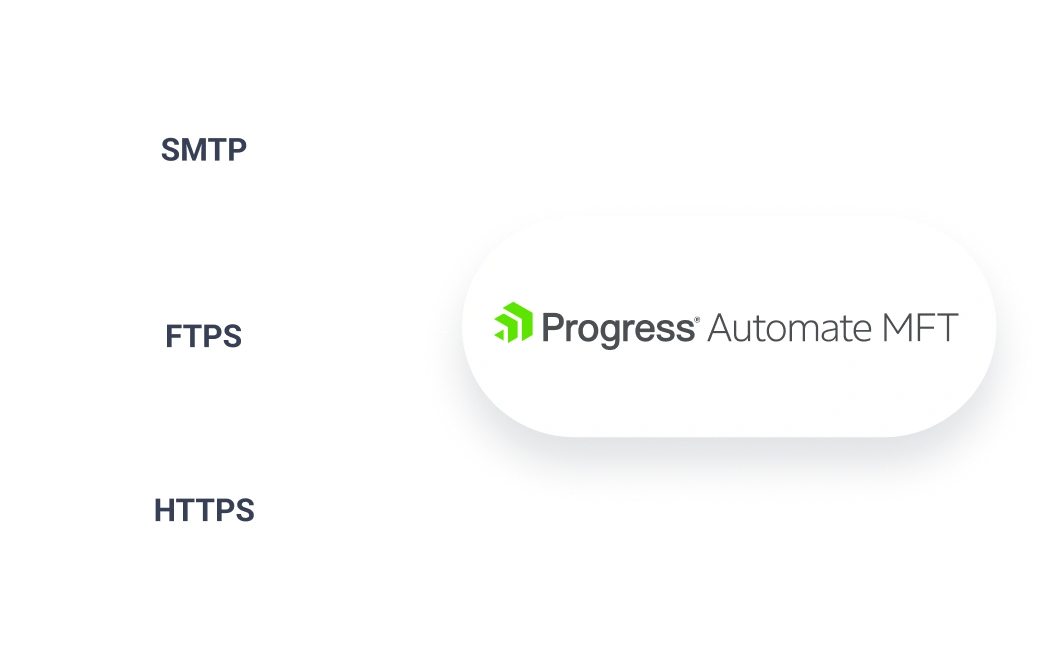
Use supported secure protocols, including SFTP, FTPS and HTTPS, to protect file movement. Apply PGP processing when workflows require file-level encryption or decryption.
Strengthen Identity and Access Controls
Use enterprise authentication options to protect administrative access and connections to file-transfer endpoints.
- Multi-factor authentication
- Single sign-on with an enterprise identity provider
- SSH private-key authentication
- Combined password and SSH private-key authentication for SFTP
- OIDC-based authentication for supported Amazon S3 workflows
- Keys and certificates for authentication and encryption workflows
Enforce Least-Privilege Access
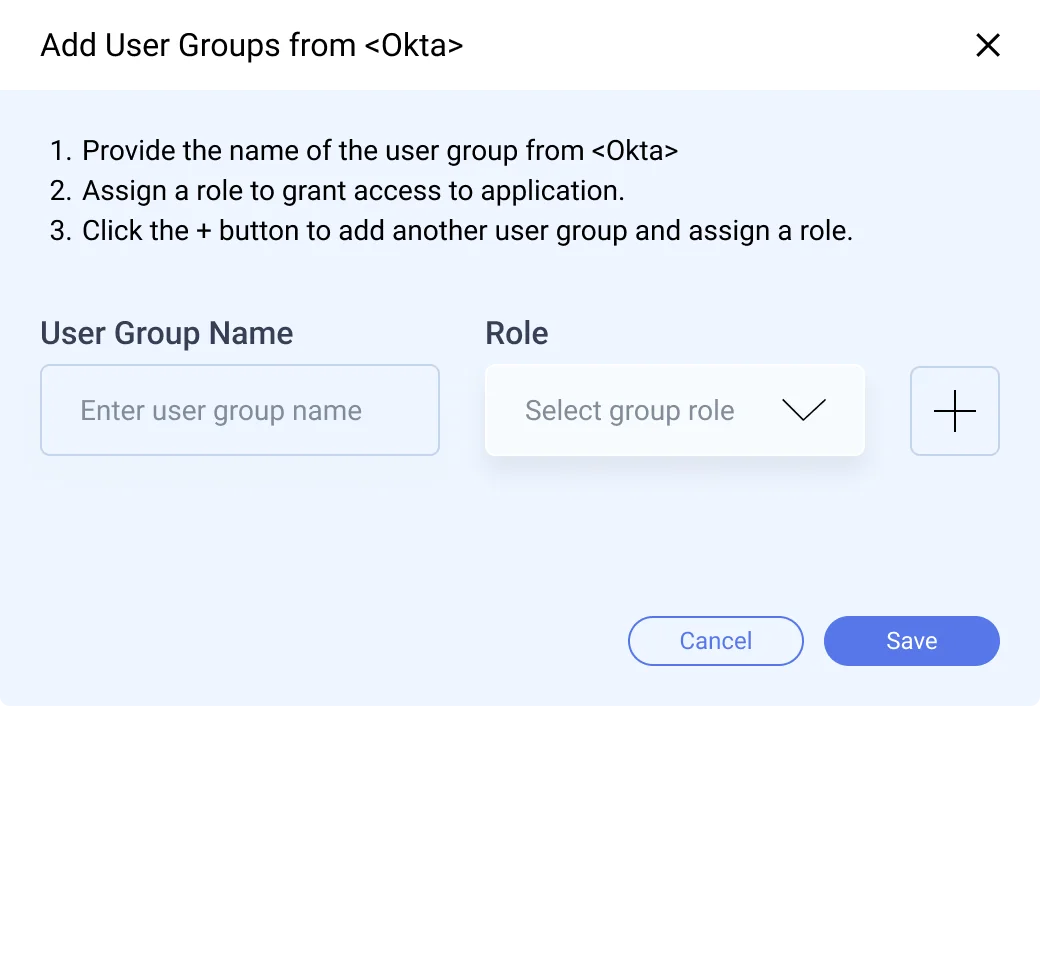
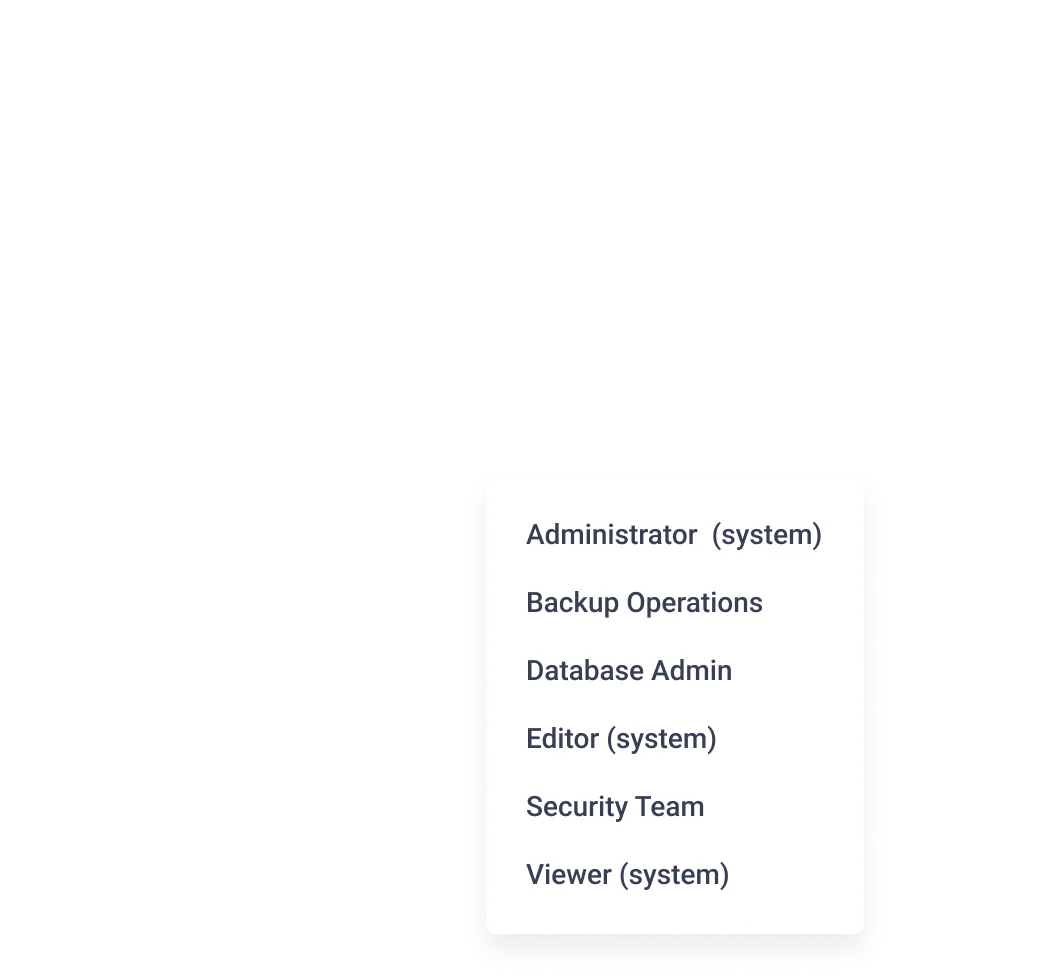
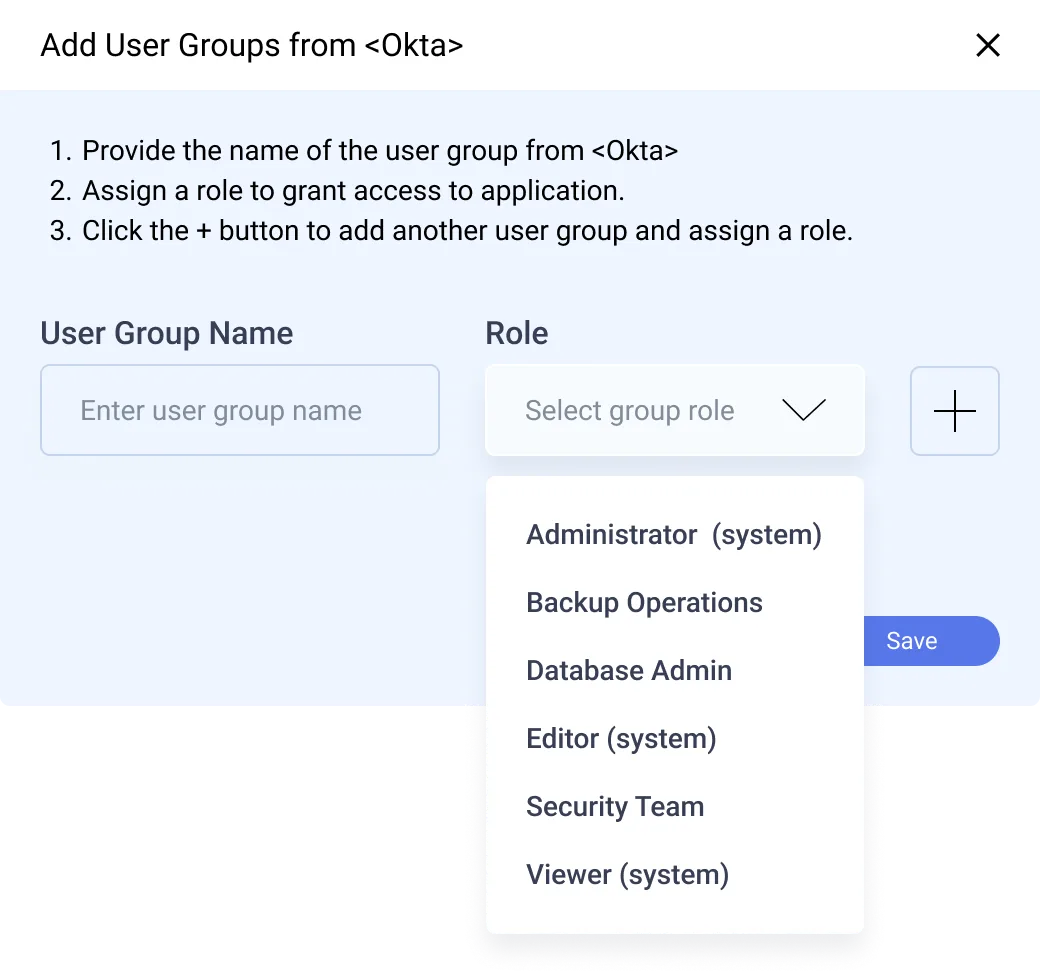
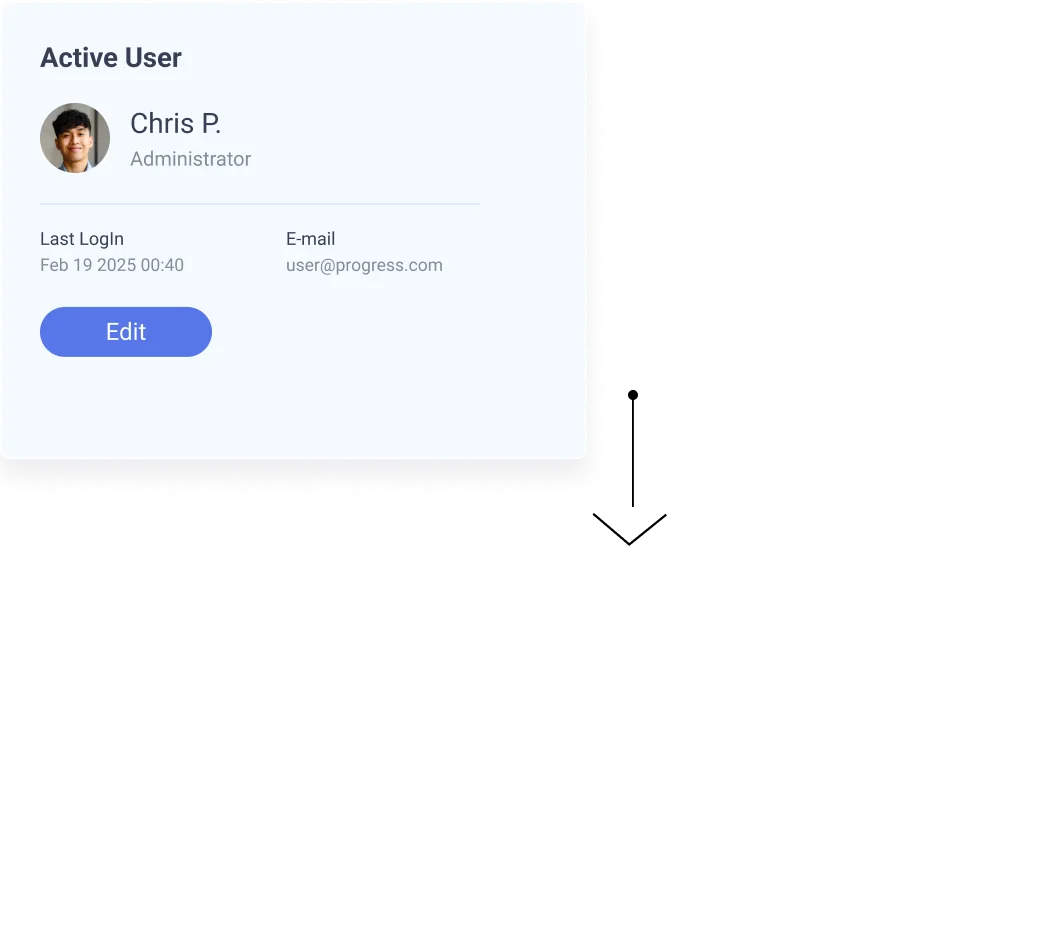
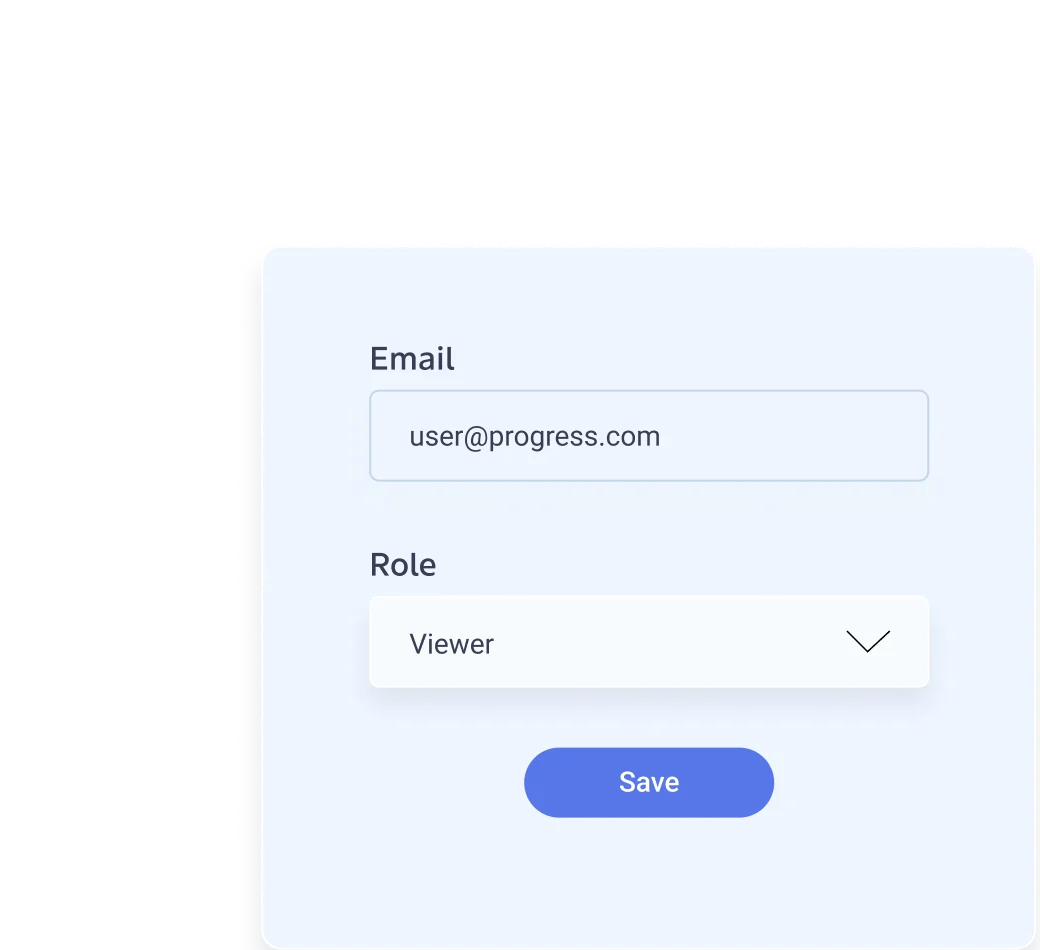
Control who can view, run, edit and create file-transfer tasks. Folder-based resource access helps teams assign permissions according to business unit, environment, workflow domain or compliance boundary. Permissions can inherit to subfolders and their tasks, helping maintain consistent controls as the environment grows.
Automate MFT can map identity-provider groups to predefined or custom roles so access can follow established identity-management processes.

Centralize Credentials, Keys and Certificates
Reduce configuration sprawl and avoid duplicating sensitive configuration across workflows by managing reusable authentication resources in centralized libraries.
- Reusable endpoint configurations
- Centralized credential resources
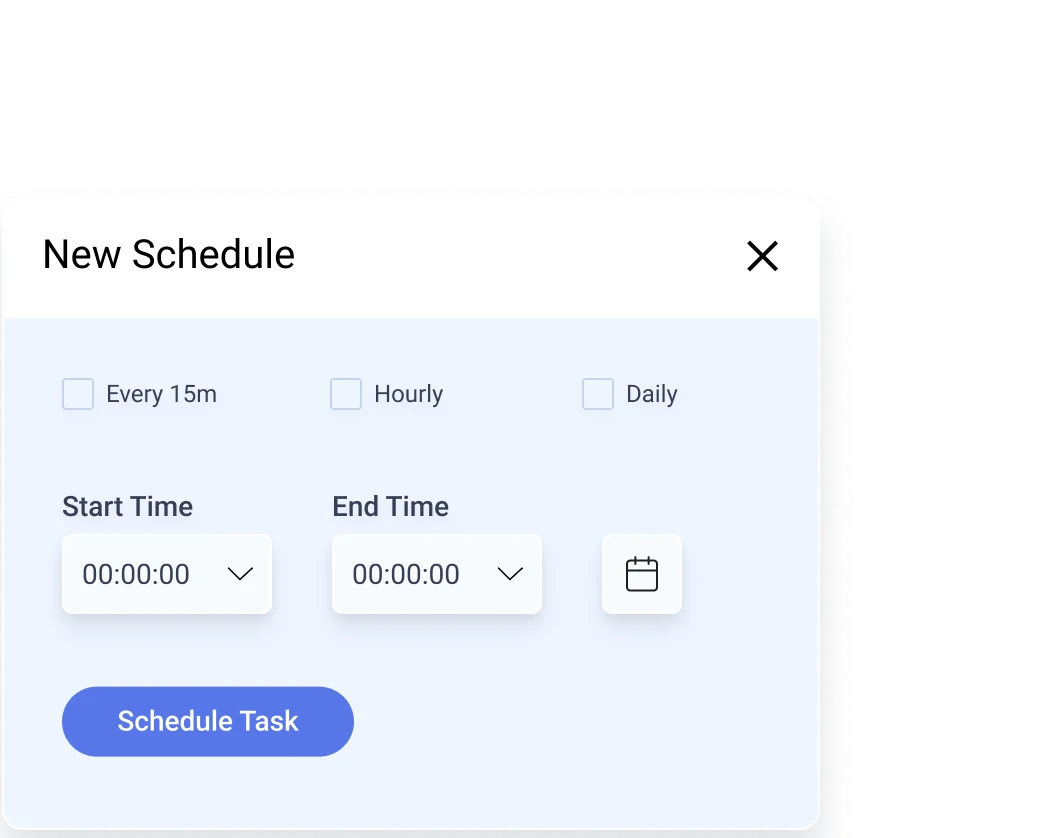
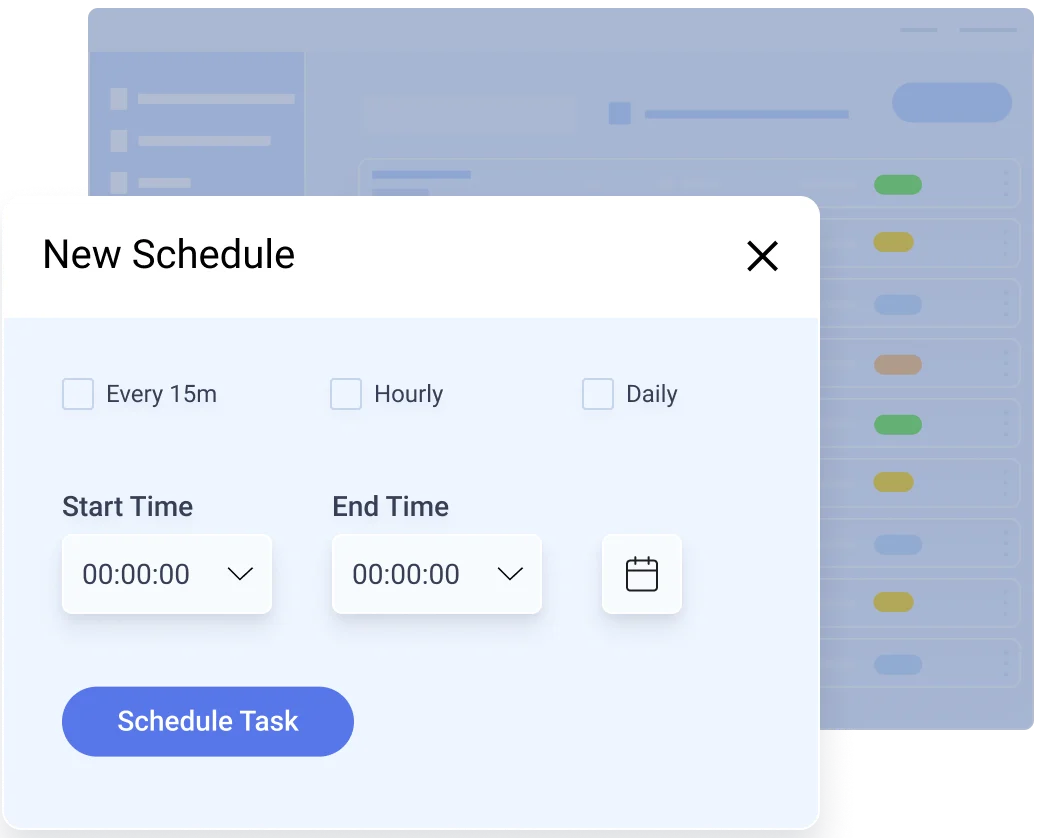
- Shared schedules
- Key and certificate generation
- Consistent updates across dependent workflows

Turn File Transfer Activity into Audit-Ready Evidence
Security teams need evidence. Operations teams need status. Administrators need enough detail to understand what ran, what moved, what changed and where a failure occurred. Automate MFT provides centralized views for task runs, file activity and administrative audit events.
- Monitor task execution and outcomes
- Review file-level transfer activity
- Track administrative and system events
- Filter audit activity by actor, event, resource, outcome, source IP address and date
- Extract Task Run, File Activity and Audit Log reports through REST APIs

How to Build Reliable, Governed Automation
Prevent Duplicate and Overlapping Runs
Collect only new helps recurring tasks avoid reprocessing completed files. Prohibit simultaneous task runs blocks overlapping executions that could cause duplicate transfers, conflicts or inconsistent downstream results.
Recover and Maintain Workflows Faster
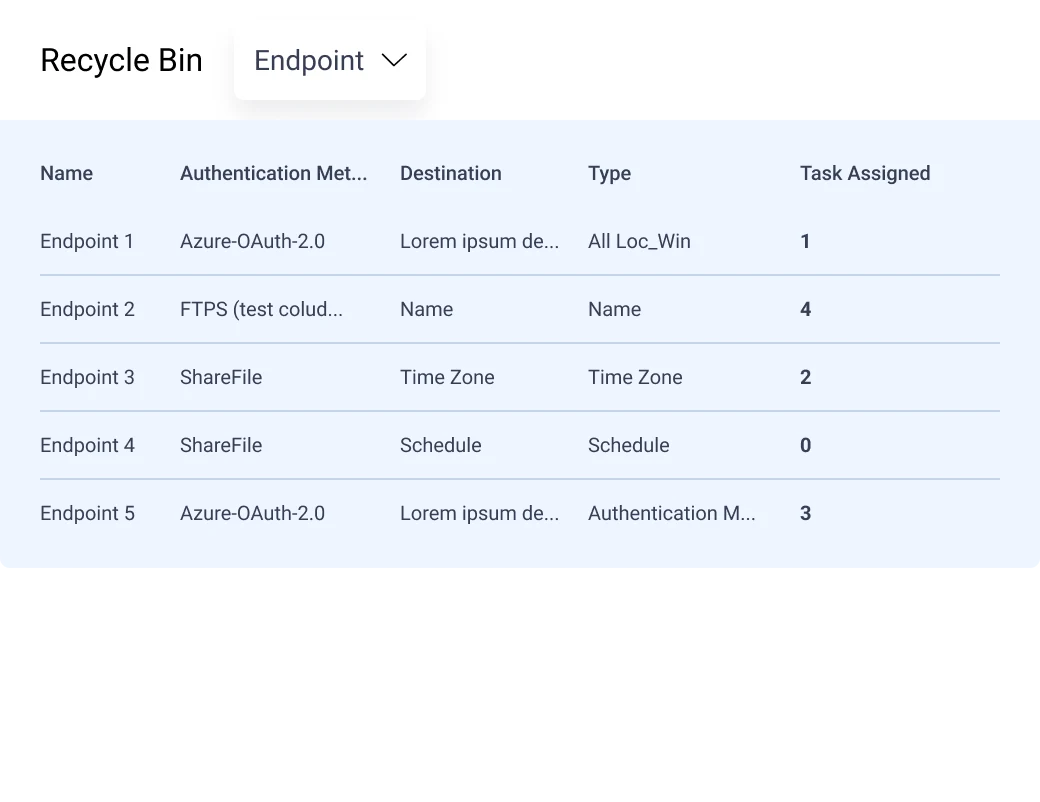
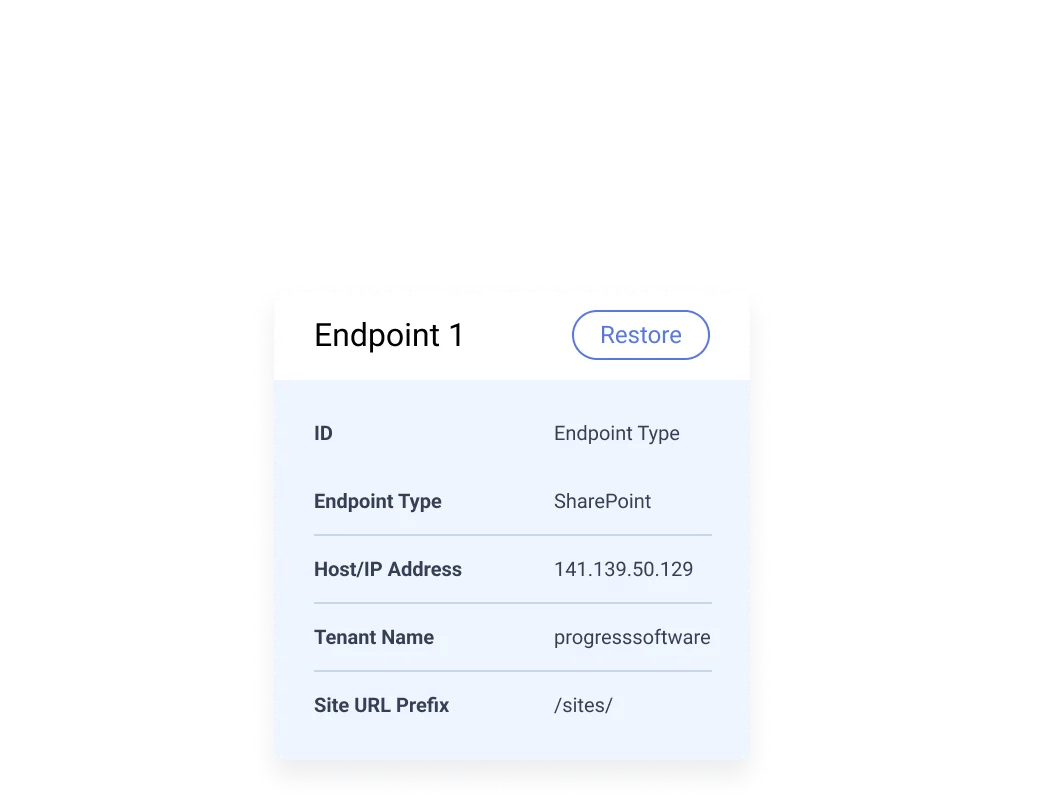
Restore deleted tasks and library assets, clone approved endpoint configurations, document workflows with comments and pause schedules without dismantling the underlying task.
Reduce Single Points of Failure
Pool multiple self-hosted agents so another available agent can execute a task if one agent becomes unavailable.

Centralize Control. Execute Where the Data Lives.
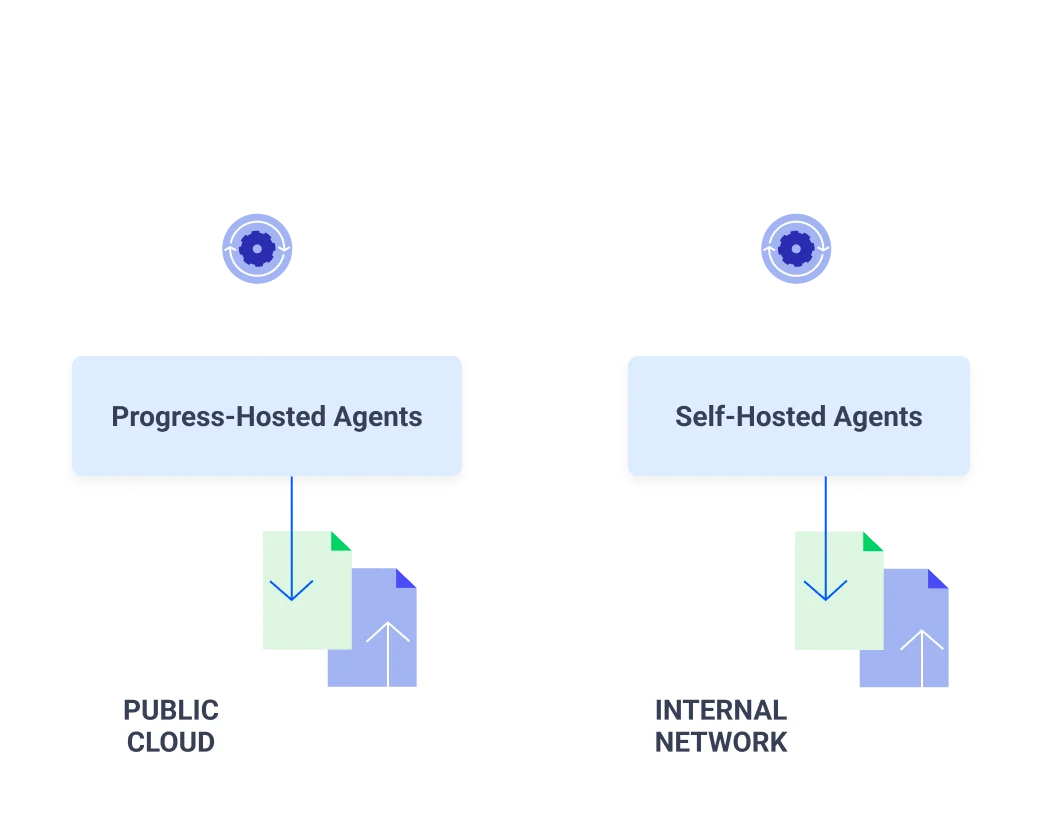
Automate MFT separates workflow orchestration from workflow execution. Administrators use a cloud-based management layer to configure endpoints, schedules, authentication resources, tasks, permissions, monitoring and reporting. Tasks run on agents selected according to the connectivity, location and security requirements of each workflow.
Choose the Right Execution Model for Each Workflow
Progress-hosted agents
Use a managed execution option for workflows connecting cloud-accessible endpoints. This can reduce the need to operate execution infrastructure for eligible cloud workflows.
Self-hosted agents
Deploy lightweight agents on Windows or Linux in private networks, cloud environments, branches or other locations where tasks need local connectivity. Self-hosted agents can execute close to internal systems and endpoints behind the firewall.
Direct endpoint-to-endpoint movement
Files move between the endpoints used by the selected agent. Management and logging information is returned to the centralized console for monitoring, reporting and governance.

Connect File Workflows Across Your Environment
Automate recurring file movement among partner endpoints, private systems, network shares, cloud storage, business applications, mailboxes and data platforms.
Learn more about file transfer integrations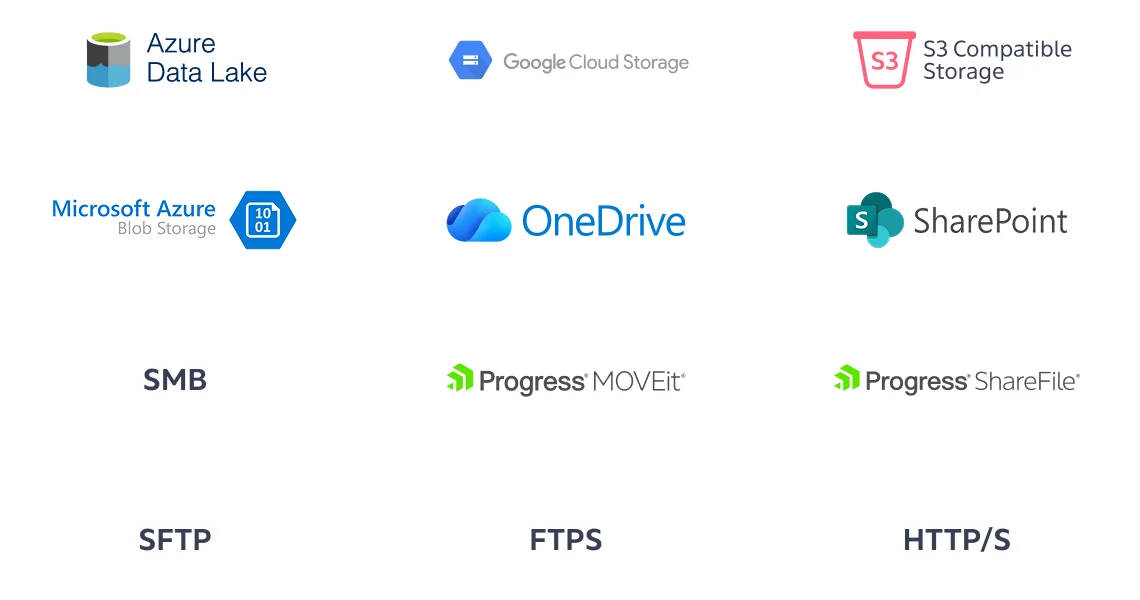
Secure File Transfer for Sensitive, Mission-Critical Workflows
Financial Services
Automate sensitive file movement among core banking systems, payment platforms, partners, cloud storage and reporting environments.
Healthcare
Govern recurring file workflows across healthcare systems, laboratories, partners, cloud platforms and analytics environments.
Manufacturing
Coordinate file movement among plants, suppliers, partners, internal systems and cloud services.
FAQs
Learning & Resources


Take the First Step Toward Secure and
Compliant File Transfers
