What’s New in Progress Automate MFT: April 2026

As organizations continue to modernize IT operations and accelerate cloud adoption, file-based workflows remain mission-critical and increasingly complex. Data needs to move securely across on-premises systems, cloud platforms and business applications, all while maintaining governance, reliability and control.
The Progress Automate MFT Q2 release builds on continued investment to help IT teams automate more file workflows with confidence. The release brings new cloud storage endpoints, deeper protocol control, expanded automation capabilities and stronger operational guardrails, all designed to support real-world, hybrid environments without increasing operational risk.
Make Cloud Storage a First-Class Endpoint
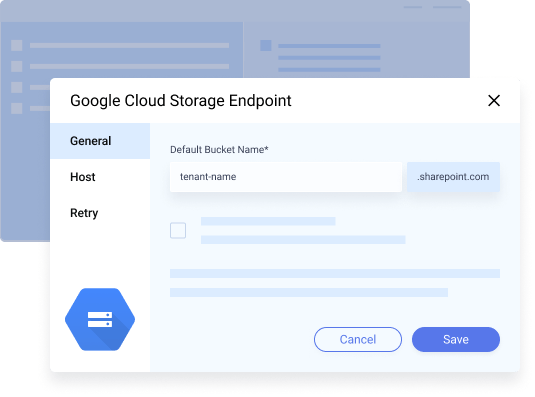
Cloud storage has become a system of record for many organizations, supporting everything from analytics pipelines to long-term archiving. As part of the most recent release, Automate MFT expands native endpoint support to include Google Cloud Storage and Microsoft OneDrive, making it easier to move, collect and deliver files directly to the platforms your teams already rely on.
By treating cloud storage as a first-class endpoint, Automate MFT helps organizations bridge hybrid environments without the need for custom scripts or brittle integrations. Whether you’re feeding data lakes, distributing files to business teams or supporting cloud-based applications, you can automate file movement end-to-end with native, supported connectors.
Greater Control for Enterprise FTPS and Mainframe Workloads
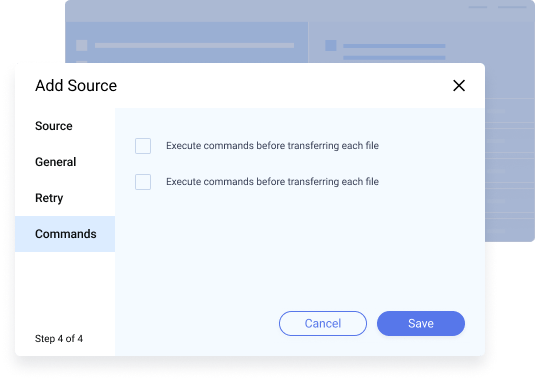
For organizations operating in regulated industries or legacy environments, protocol-level control matters. We’ve introduced additional FTPS commands, enabling more advanced interactions before, during and after file transfers—supporting more complex mainframe and enterprise system integrations. This reduces the need for workarounds and helps teams meet strict operational and compliance requirements with supported, maintainable configurations.
Expanded Automation for Edge Cases and Advanced Workflows
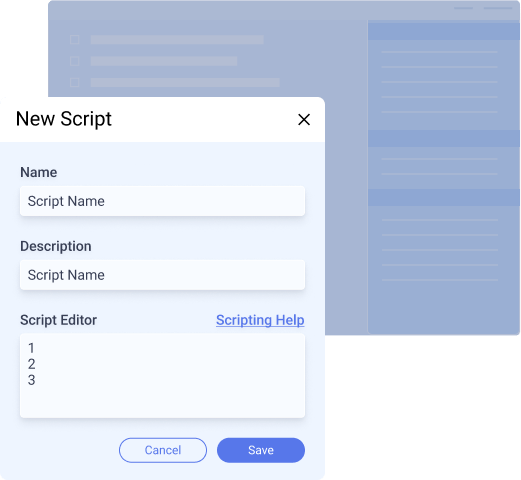
While Automate MFT is designed to minimize scripting, some workflows require it. That’s why we’ve expanded custom scripting capabilities, giving teams more flexibility to handle edge cases without sacrificing governance or maintainability.
At the same time, updates to task configuration and usability make it faster and easier to build, organize and manage workflows at scale. Our drag-and-drop task steps, tagging, scheduling improvements and macro updates help teams reuse automation patterns and reduce time spent maintaining scripts and jobs.
Built-In Guardrails to Reduce Risk and Protect SLAs
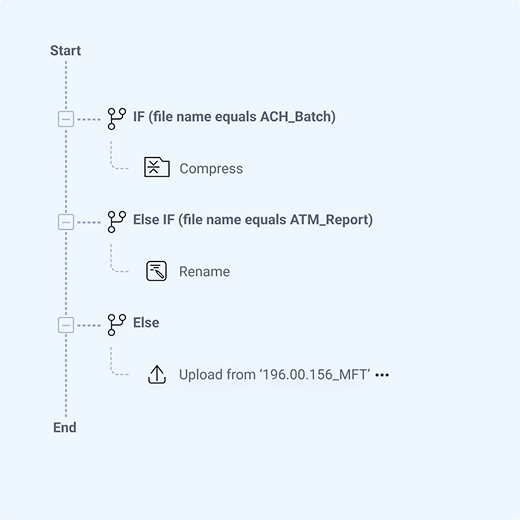
As automation scales, so does the potential impact of errors. That is why we introduced operational guardrails that help prevent common issues such as duplicate file transfers caused by parallel task execution.
These controls are designed to protect downstream systems, preserve data integrity and support SLA-driven environments without requiring manual oversight or complex custom logic.
Stronger Governance and Identity Integration
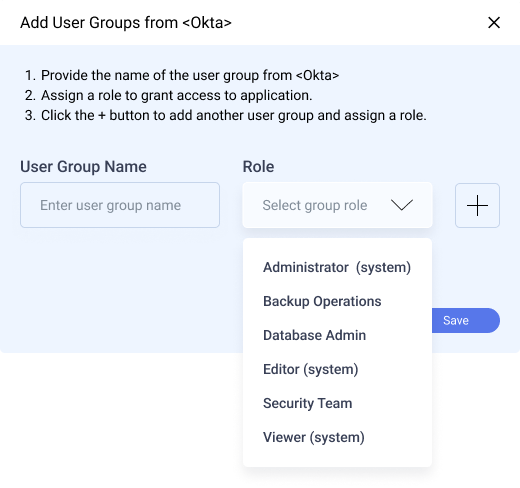
Security and governance remain foundational to Automate MFT. This release delivers meaningful enhancements to role-based and resource-based access control (RBAC), including deeper integration with identity providers.
Teams can now define granular roles, synchronize permissions with identity provider groups and manage access using their existing IAM systems. The result is tighter control, simpler administration and better alignment with enterprise security models.
Designed for the Way Hybrid IT Really Works
Every enhancement in the Q2 release maps back to Automate MFT’s core themes: enterprise security and governance, lower cost through higher productivity and centralizing real-world workflows across hybrid environments.
Whether you’re extending automation into the cloud, modernizing legacy workflows or scaling file transfers across teams and regions, Automate MFT helps you automate more without losing visibility or control.
Ready to explore what’s included in this release and how it fits your use cases? Visit our What’s New in Progress Automate MFT page to see the highlights and get started.