Ramping up user assistance for Progress Pacific

If you’ve used Progress products for a while, you might have noticed how our focus has evolved from creating solid technologies to solving tough business problems with those solid technologies. That change of focus brings the user experience front and center into our design process. Arin Bhomick, VP of our new User Experience and Design group, provided a great overview of what user experience encompasses in his recent post.
Our team, Progress Knowledge Services took a look at how we could also contribute to a better user experience. Progress Pacific browser-based offerings allow you to quickly and easily get started. Our role is to create content that supports you every step of the way, until you successfully achieve your goals.
We also thought about what it takes to provide help in a useful and engaging manner, and identified four guidelines:
- Keep everything just a click away. Forgo time-consuming PDF downloads, but still provide PDFs for those who might want to print or access them off-line.
- Make content more show and tell. Use graphics and videos to demonstrate both concepts and procedures - great for visual learners!
- Keep content, whether video or static, as concise as possible. Believe it or not, it takes more time to create less! As Henry David Thoreau wrote: “Not that the story need be long, but it will take a long while to make it short.”
- Provide well-organized content using terms that match your mental model to make it easier for you to find what you need and to put it to use.
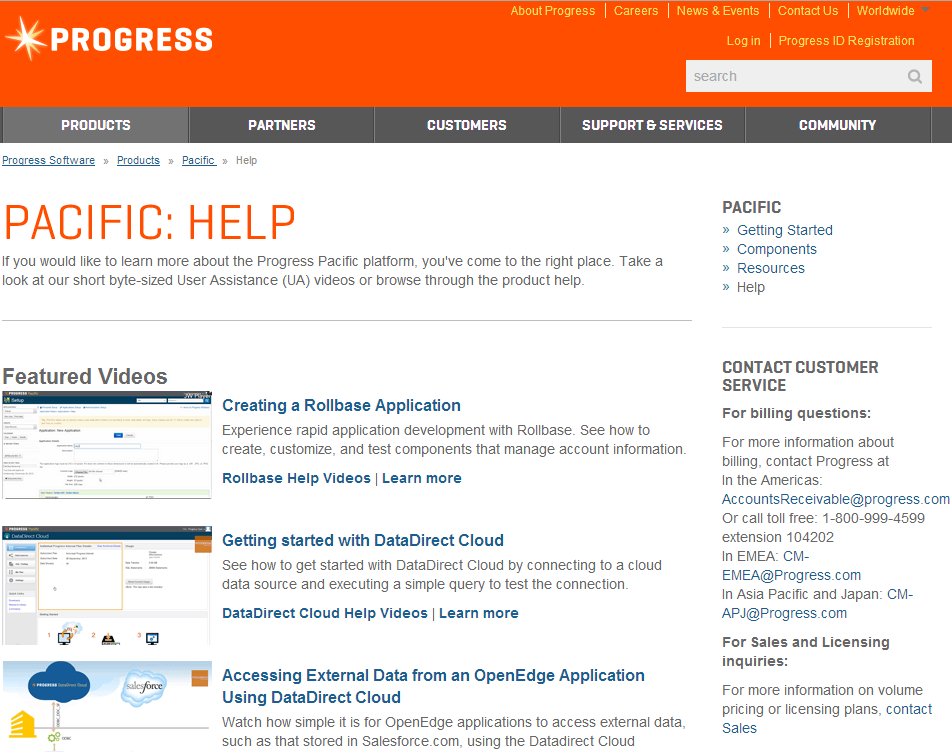
These resulted in our vision for user assistance, a platform that goes beyond traditional documentation and training. Our first release of Progress Pacific User Assistance includes a series of short videos and HTML help content. We call the videos “byte-sized” because most are under five minutes and focus on common tasks. Our help content is “responsive,” that is, it behaves well when viewed on a variety of devices.
Our future plans include reorganizing and simplifying existing content, providing more focused videos, and integrating user assistance even more tightly with Pacific browser-based interfaces. Take a look and let us know what you think. You’ll find links to user assistance when using Pacific products and on our website here.
Enjoyed this article?
Add Progress as a preferred source to see more of our content in Google search.
Add Progress as a preferred source on Google

