How Sitefinity helps prevent broken page links

The content you're reading is getting on in years.
This post is on the older side and its content may be out of date.
Be sure to visit our blogs homepage for our latest news, updates and information.
I was recently chatting with our sales team and learned that several customers did not know they could move pages by simply dragging & dropping them to a new location in Sitefinity’s page manager.
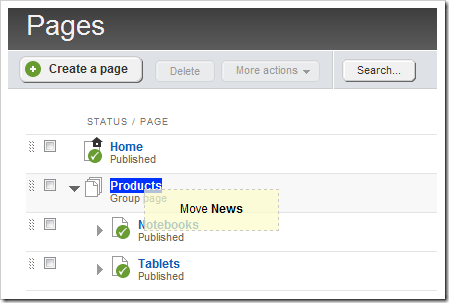
This is nice little feature that makes it quick & easy to organize the website. Not only can pages be relocated, but the order of pages can also be determined by dragging & dropping the page between existing pages:
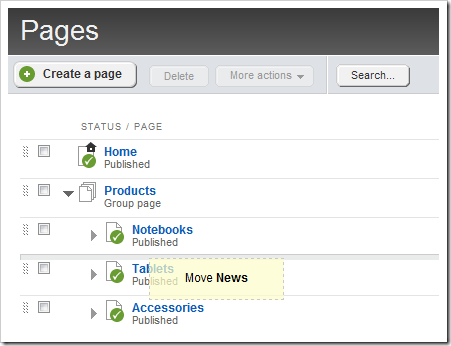
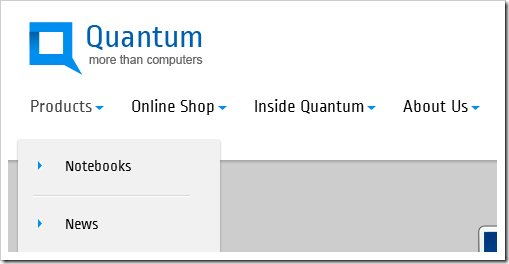
These changes will then be reflected immediately in the site navigation:
And in the page URL:

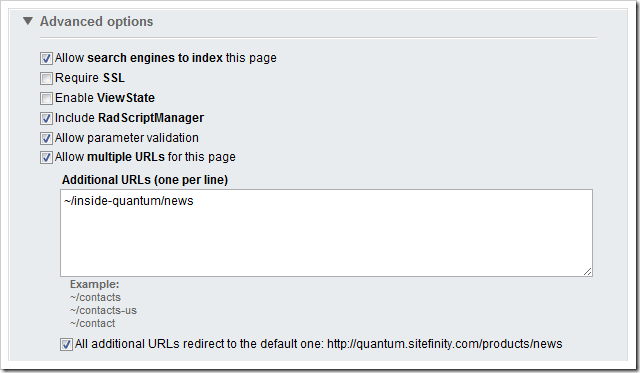
In addition, Sitefinity will preserve the old URL’s by automatically tracking the old URL and generating an HTTP 301 redirect to direct. This will ensure the old URL’s continue to work and search engines will be notified that the webpage has moved permanently.
See it in action…