Inviting and adding members
There are several ways to invite and add members to work with you in Podio.
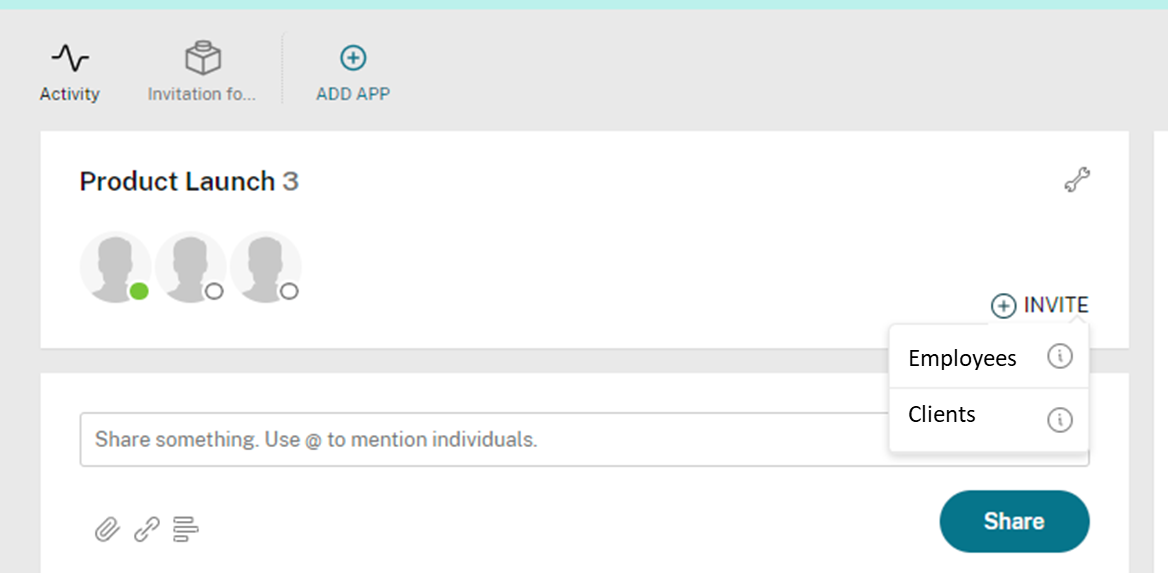
You can invite an employee or a free external client from the +Invite button at the top of any workspace activity stream. To invite an external client, select Clients, enter their email address, and click Add. You can also pick an existing contact from a connected service such as Google.
To invite a trusted Partner or Podio Support, see Add a Service User.
You can select people to add to workspaces from your global Contacts list (in the blue bar at the top of Podio) by finding them in the list, clicking "Actions," and then "Add" in the dropdown. You then choose which workspace to add them to.
Please note: The free version of Podio is limited to 5 employees and 5 external members across all of your workspaces (not 5 per workspace). So, if you already have 5 employees or external members in your workspaces, you can either remove members to make room for more, or you can upgrade to our Premium service.