Using Podio as a simple Website Content Management System (CMS)
To manage your website content in Podio now you can use GlobiFlow's new CMS feature.
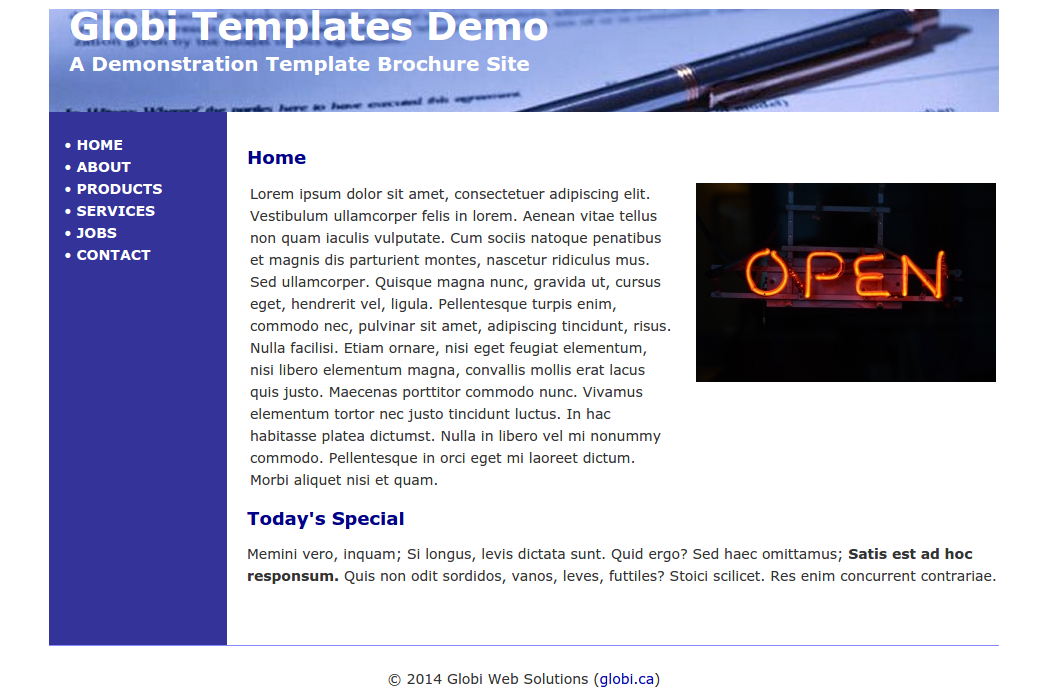
The following information explains how to manage your website content in Podio using new Content Management System (CMS) feature.
-
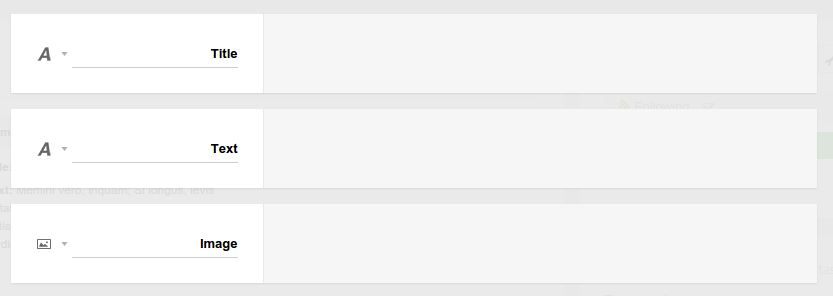
First, we'll need an app in Podio to store this content. Here we have a very simple website content app that just has a multi-line text field and an image field.
-
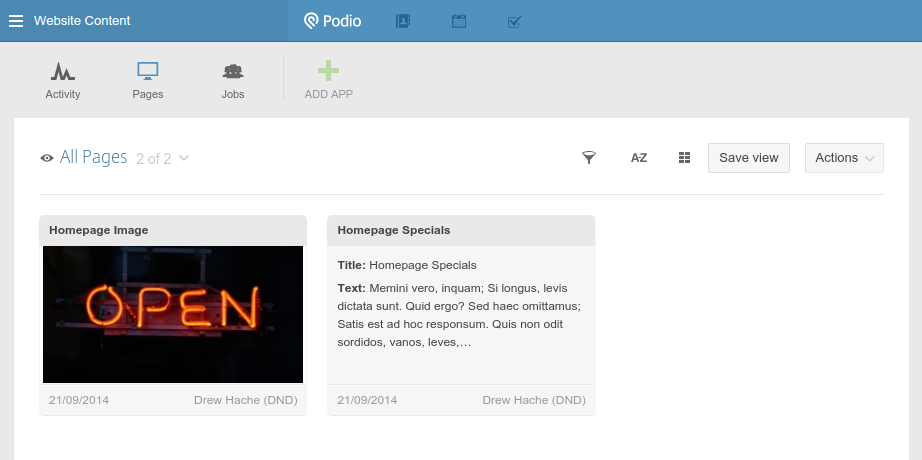
And we'll fill in the content we need into 2 new app content items.
-
Now, log into GlobiFlow and create the CMS objects. Select the website content app in your app tree, and click on New CMS.
-
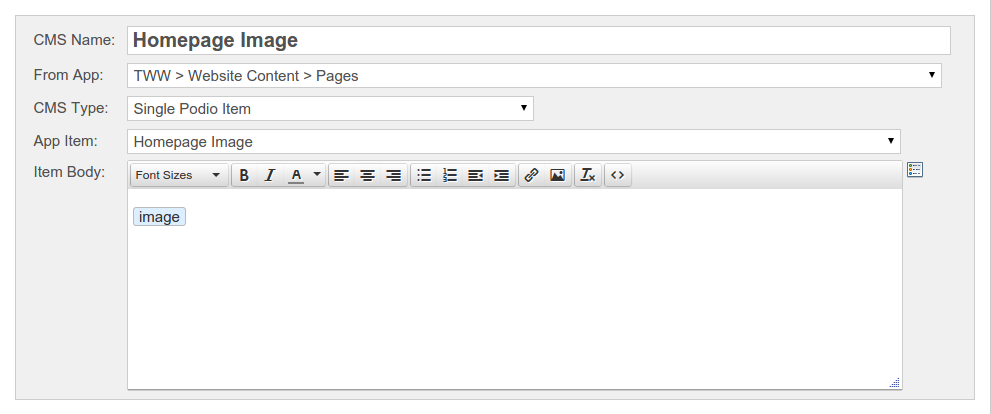
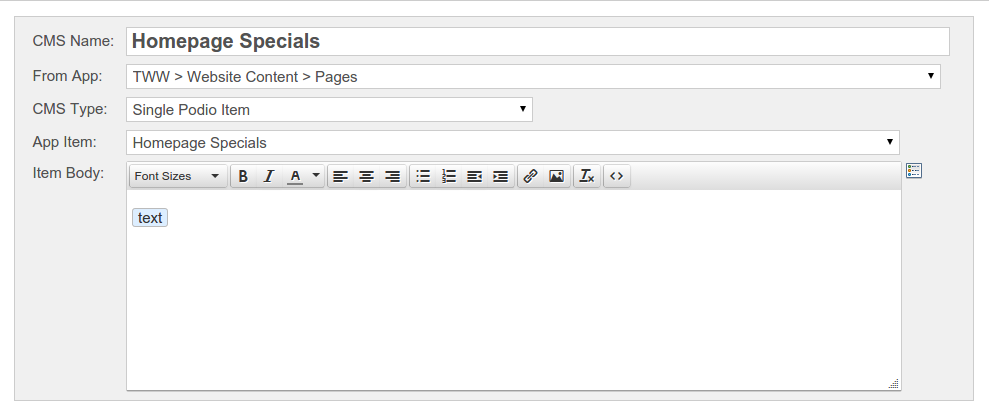
Then, select the Single Podio Item as CMS type, and insert your image field in the content box.
-
Then do it again with the specials paragraph.
-
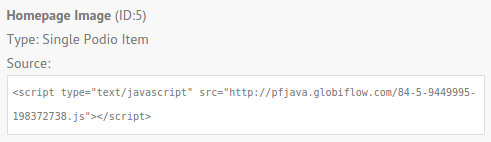
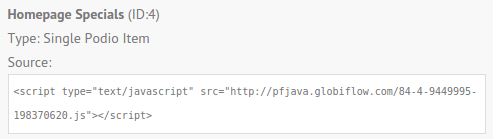
Back on the Flows Page, grab the script tag under each CMS object.
-
And copy and paste it into your website source where you need the respective objects to appear.
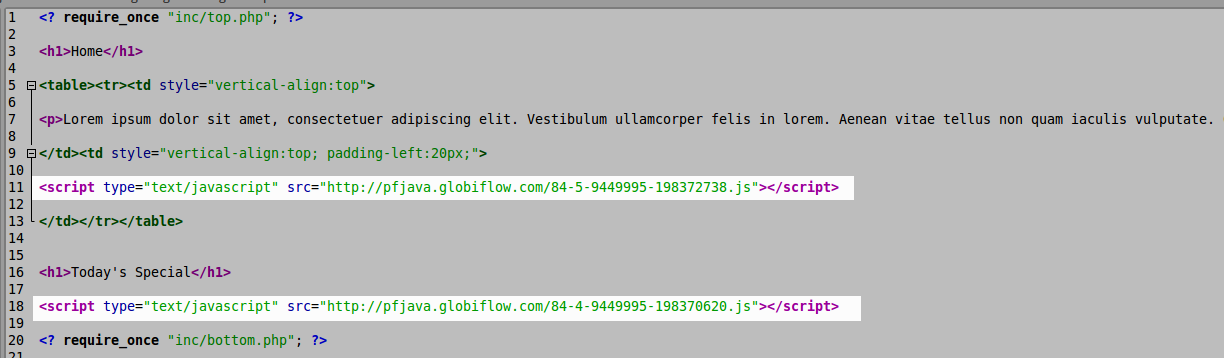
And that's it. Now anytime you change the image in the image field or the text in the text field, your website will reflect this change.
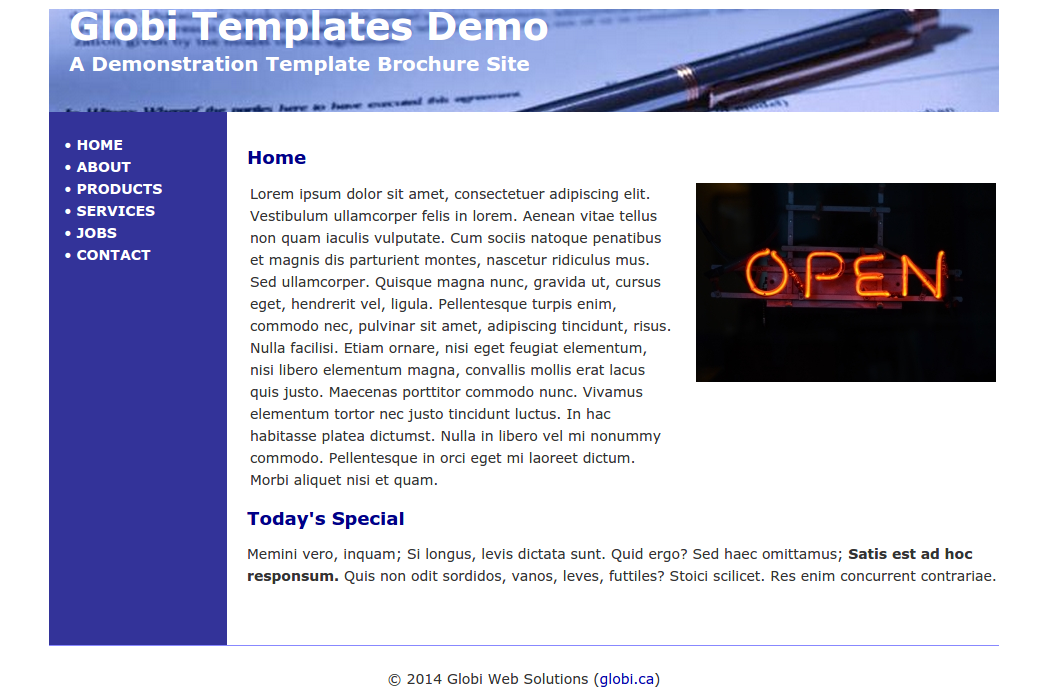
Note: Please bear in mind that we use a high-performance content delivery network to serve your content, and it could take up to 15 minutes for your Podio changes to propagate to your website.
To learn how to embed Podio Data into your Website, please refer embedding Podio Data into your Website.