Creating PDF's in Podio and saving them to ShareFile
Let's say you want to generate a Contract from your Podio data, but instead of attaching it to the Item in Podio, you want to save it to your connected ShareFile account.
This was previously not possible, but now is not only possible, but easy. Here's how:
Connect ShareFile
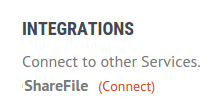
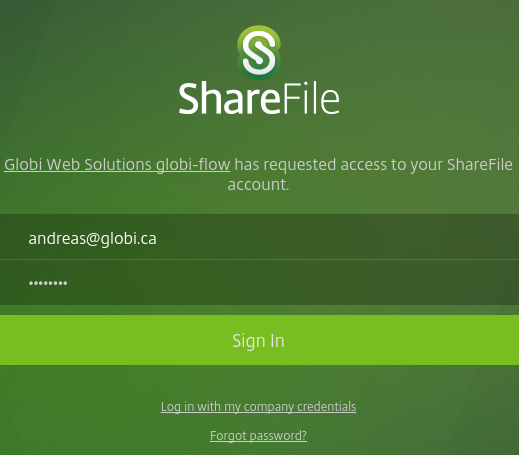
Connect your ShareFile account to GlobiFlow. Go to the Account page, scroll down to the Integrations section, and click on Connect next to the ShareFile integration.
Build the Flow
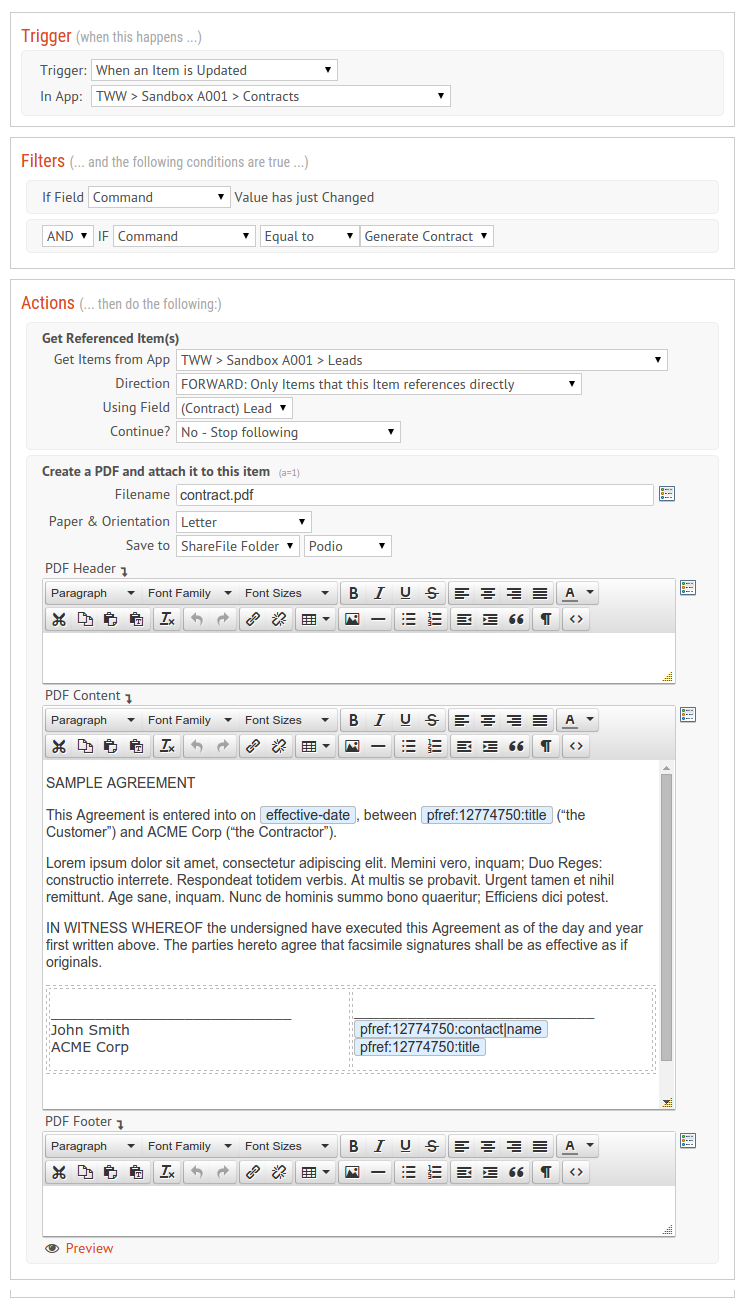
Now that we've got ShareFile connected, let's build a flow to generate our PDF. In this example, we're triggering a flow when the Command category field is change to Generate Contract. It then gets the related details from Leads app, and then creates the PDF.
File Destination
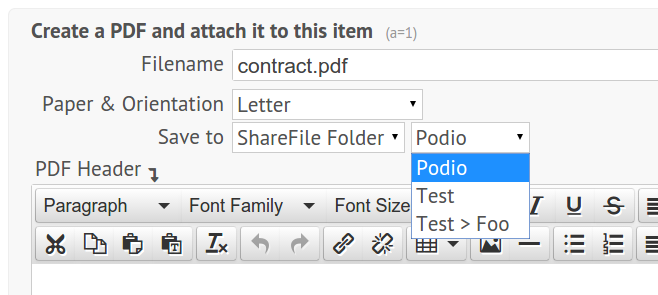
Note that the Save To field is not set to Podio Item, but rather to ShareFile Folder, with a specific selected Folder in the ShareFile account:
The Result
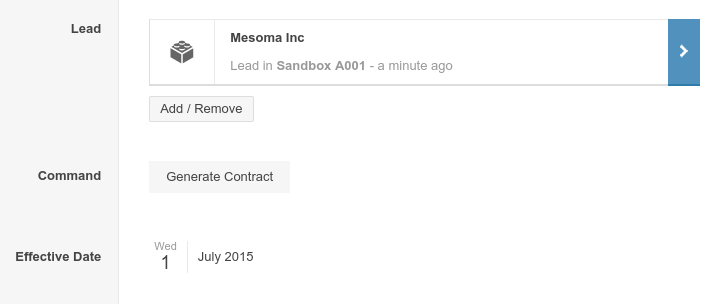
Now, when I click on the Generate Contract category field on an item:
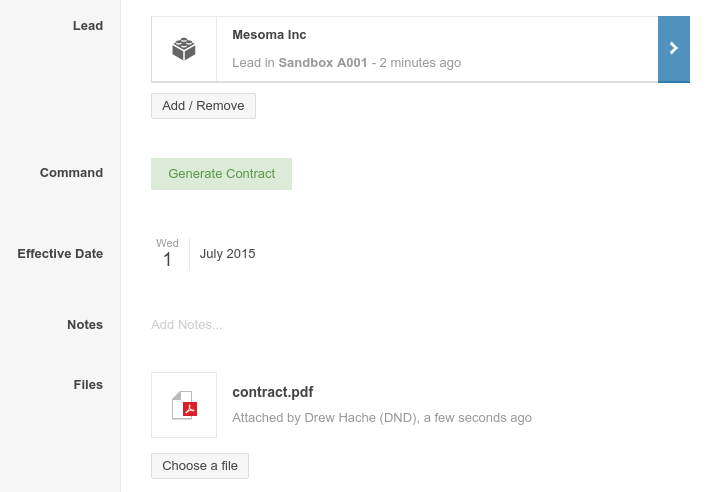
GlobiFlow generates the PDF, uploads it to ShareFile, and attaches it as a linked file to the Item:
And when you click on the file, you are taken to ShareFile:
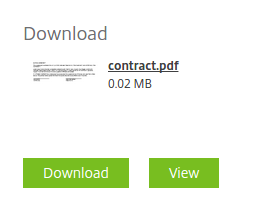
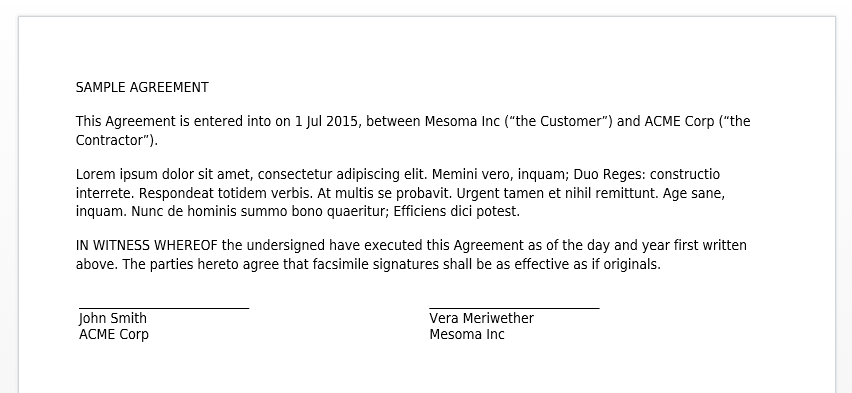
Where you can view or download the contract PDF:
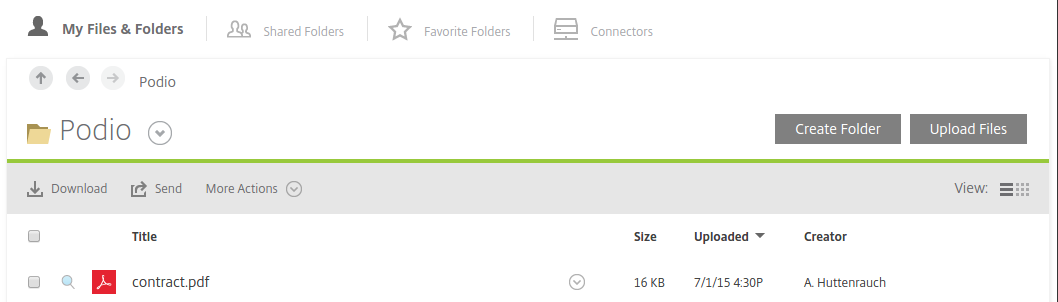
You can also verify the file's existence in your ShareFile account by navigating to the folder you specified in the PDF action: