Overview of tasks
Tasks in Podio can be used for quick "to-do"s for you and your team members. A task can be created and assigned from any workspace, app, or app item. This gives you a quick and easy way to allocate specific action items to members of your team.
We recommend watching this video overview about Podio Tasks:
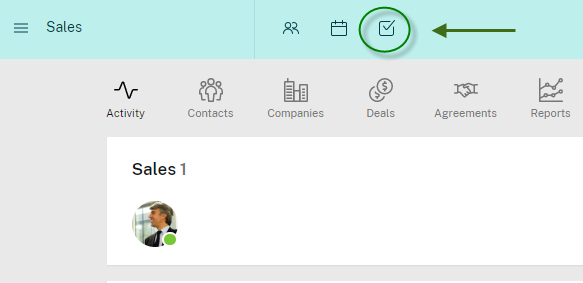
You can access your own tasks via the tasks icon in the top blue bar.
Here is a quick video tutorial to show you the basics around Podio tasks:
There are a couple of ways to create tasks in Podio:
-
Hit 'T' on your keyboard from anywhere to create a task linked to the item/page that you're looking at.
-
Click the task icon in the top blue bar (shown above). This is also a complete overview of your existing tasks, tasks you delegated, and tasks you are working on.
-
You can create a task via email - hit the "Create a task from email" link on the right side of your tasks page.
-
You can give a task to someone on Podio by going to their profile page and adding it from there.
-
On any app item in Podio, find the Tasks section at the bottom and click "Add task".
If you want to create a task from your email that is directly related to a workspace, follow these steps:
- Click on "[workspace name] tasks" on the right side of the activity stream of a workspace.
- Here you find a link called "Create task from email".
- Use this address to create tasks related to the specific workspace by sending an email.
When creating a task, you can assign the task to anyone. This includes people who haven't signed up for Podio yet - see this article for information on assigning tasks to others.