Applink settings for Podio for Android
On Android 12 and above, users accessing a Podio link on Android devices are redirected to a web browser instead of the Podio App.
Solution:
-
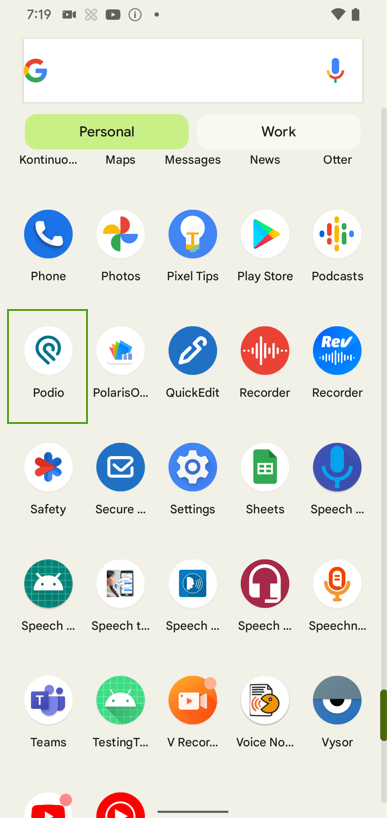
Navigate to the Settings on your device.
-
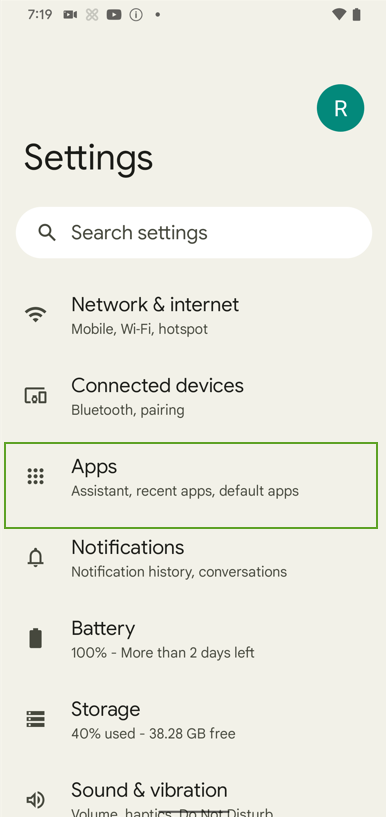
Select "Apps".
-
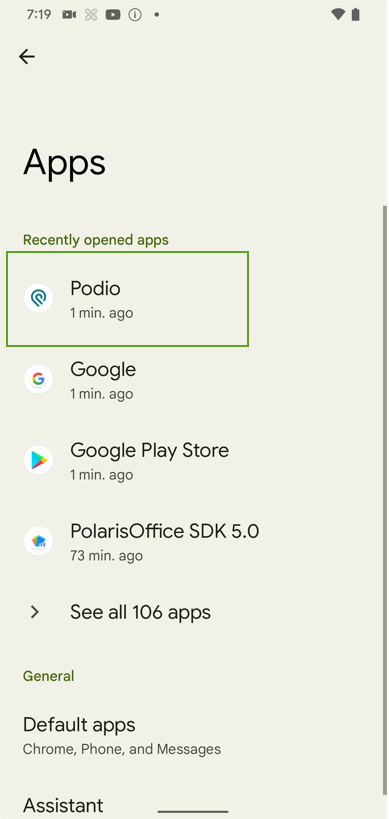
Select Podio to open App info.
-
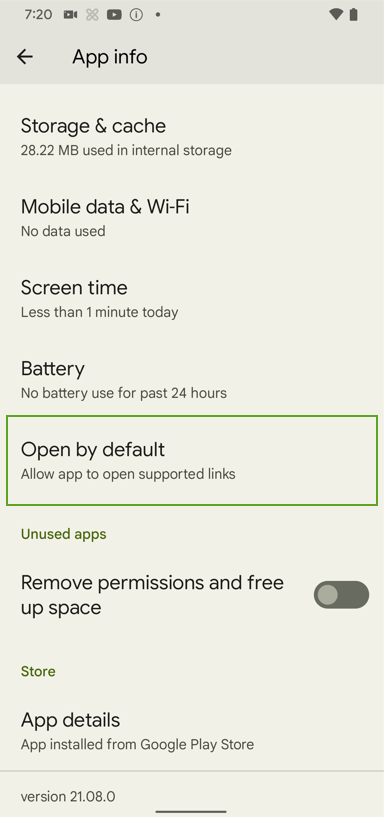
Scroll to and select Open by default.
-
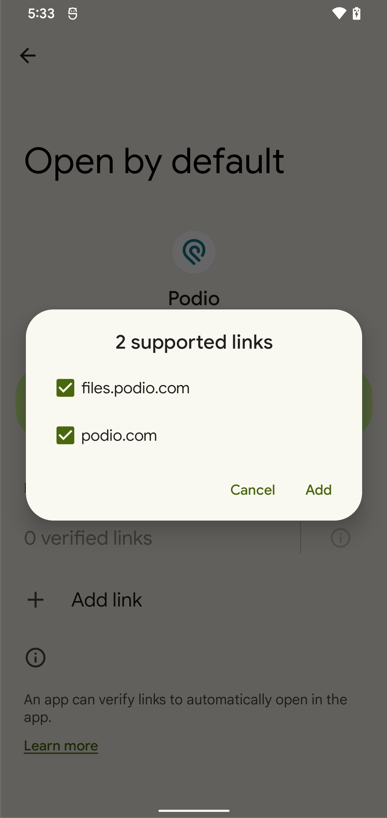
Select the default links displayed on the screenshot below:
-
Press Add.
Quick Tip:
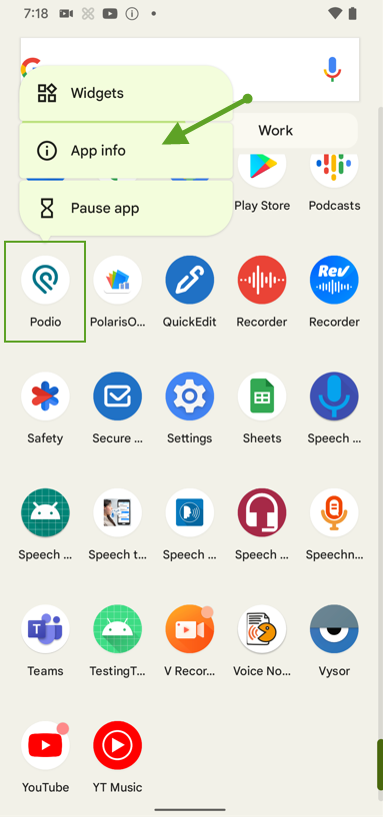
You can use a long select on top of the Podio icon to open App info directly for the Podio app.