Read-only fields
Read-only fields give you control over how people manage data in your apps. You can keep a field visible while preventing workspace members from manually changing its value. This helps protect important data from accidental edits and keeps your workflows consistent.
When you make a field read-only:
- Users can view the field value.
- Users cannot manually edit the field value.
- Users can copy the field value when applicable.
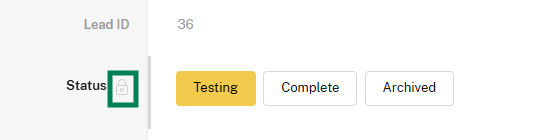
- A lock icon identifies the field as read-only.
- App admins, workspace admins, Workflow Automation, the API, and integrations can still update the field.
Configure a read-only field
To prevent workspace members from manually editing a field:
-
Open the app that you want to modify.
-
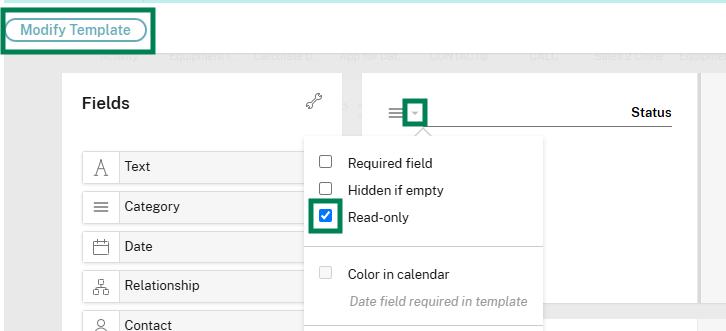
Select Modify Template.
-
Open the configuration menu for the field.
-
Select Read-only.
-
Save the app template.
To restrict changes to an entire app instead, see Creating read-only apps.