

Description
Format: Slides with audio.
OpenEdge 11.4 offers enhancements and provides new features across the OpenEdge platform. The set of presentations and annotated power points provided in this training will show you all of the highlights and many details about the new features. The biggest feature in this release is Table Partitioning and all the enhancements surrounding that topic. There are five sessions that were delivered live with subject matter experts available on the line to answer questions. This release also includes enhancements and features across all parts of the product including Platforms and Installation, REST, Server technologies and tools, Developer Studio, Mobile, OpenEdge DataServers, OpenEdge Management, and Business Process Management (BPM).
Product Version
Progress OpenEdge 11.4
Prerequisites
Format: Slides with audio.
- General knowledge of Progress OpenEdge: Each of the sessions covers new and enhanced features for a particular area. You should be knowledgeable on the subject based on the title of the session: Developer Studio for OpenEdge, OpenEdge Explorer / OpenEdge Management, Database, SQL, ABL. Progress offers role based learning paths for you to acquire this prerequisite knowledge.
- OpenEdge Table Partitioning pre-work: It is recommended that you have basic knowledge about the OpenEdge RDBMS database. This information can be found in the OpenEdge documentation and in Progress Education courses on the OpenEdge database.
- OpenEdge Business Process Management (OpenEdge BPM) pre-work: For those in need of prerequisite training for OpenEdge Business Process Management, the The OpenEdge 11 Developer learning path includes several courses on OpenEdge BPM topics.
How to Subscribe
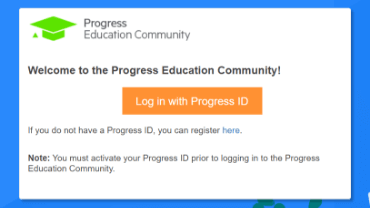
Step 1 - Log in
Visit the Progress Education Community (PEC) and log in with your Progress ID. If you do not have a Progress ID, you can register here.
Note: You must activate your Progress ID prior to logging in to the Progress Education Community
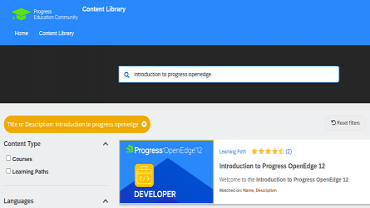
Step 2 - Find Your Content & Start Learning
Navigate to the Content Library and search for: Product Readiness Training: Progress OpenEdge 11.4. Then simply click the title for FREE access to the course.

Interested in the Class?
Stay up to date with technology trends and get the most out of your Progress technology investment.