

About This Course
This course introduces you to device groups in WhatsUp Gold and their role in organizing monitored devices for easier management and troubleshooting. You learn about the different types of device groups, how to configure them, and when to use each type in real-world scenarios. You also learn how to apply user permissions to device groups.
Audience
WhatsUp Gold Administrators
Duration
1 hour
Product Version
WhatsUp Gold 26.0
What You Will Learn
After completing this course, you should be able to:
- List the types of device groups available in WhatsUp Gold.
- Identify a variety of usage scenarios for device groups.
- Create and manage device groups in the My Network page.
- Use device groups for filtering and reporting.
- Explain how user groups and user rights allow varying degrees of access to devices and device groups.
- Configure Device Group Access Rights (DGAR).
Training Prerequisites
Students must have WhatsUp Gold installed on their network.
How to Subscribe
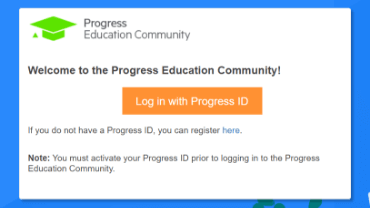
Step 1 - Log in
Visit the Progress Education Community (PEC) and log in with your Progress ID. If you do not have a Progress ID, you can register here.
Note: You must activate your Progress ID prior to logging in to the Progress Education Community
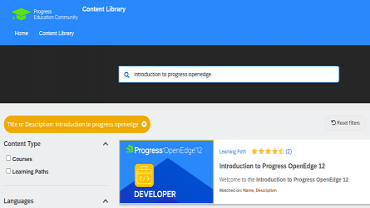
Step 2 - Find Your Content & Start Learning
Navigate to the Content Library and search for: WhatsUp Gold Device Groups. Then simply click the title for FREE access to the course.

Interested in the Class?
Stay up to date with technology trends and get the most out of your Progress technology investment.