

About This Course
In this course, you learn about the device polling process that is performed by WhatsUp Gold and the steps you can take to minimize poller lag time. You also learn how to add additional poller processes, called scalability pollers, to extend your polling capacity across larger or more complex environments. Finally, you learn where to view poller information, and how to troubleshoot a poller or a device that is not functioning properly.
Audience
WhatsUp Gold Administrators
Duration
1 hour
Product Version
WhatsUp Gold 25.0
What You Will Learn
After completing this course, you should be able to:
- Understand how polling functions in WhatsUp Gold.
- Understand the causes and impact of poller lag.
- View the status and lag time of pollers.
- Make changes to WhatsUp Gold configuration to address poller lag.
- Use the Log Analyzer Tool to review the poller logs and identify devices that may be causing poller lag.
- Install a scalability poller on a remote machine.
- Configure a scalability poller in WhatsUp Gold.
- View poller status and information on the the Polling Configuration page.
- Troubleshoot pollers.
Training Prerequisites
Students must have WhatsUp Gold installed on their network.
How to Subscribe
Step 1 - Log in
Visit the Progress Education Community (PEC) and log in with your Progress ID. If you do not have a Progress ID, you can register here.
Note: You must activate your Progress ID prior to logging in to the Progress Education Community
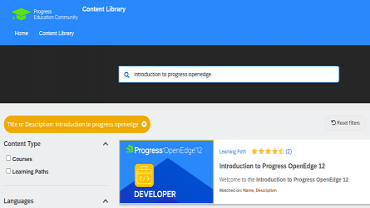
Step 2 - Find Your Content & Start Learning
Navigate to the Content Library and search for: Manage WhatsUp Gold Polling. Then simply click the title for FREE access to the course.

Interested in the Class?
Stay up to date with technology trends and get the most out of your Progress technology investment.