

About This Course
The Get Started with WhatsUp Gold 360 course explains how to start monitoring your infrastructure availability and internet access using WhatsUp Gold 360. You learn how to create and deploy a connector to each site you wish to monitor, and how to add a WhatsUp Gold instance to be monitored. Then, you learn how to set up communications channels for notifications. Finally, you explore the Overview dashboard and the reporting features used for monitoring your internet connectivity.
This free on-demand course is available online with a subscription to the Progress Education Community.
Audience
WhatsUp Gold Administrators
Duration
Equivalent to 1 hour of instructor-led training
Product Version
WhatsUp Gold 360 July 2026 release
What You Will Learn
After completing this course, you should be able to
- Understand the capabilities of WhatsUp Gold 360.
- Create and deploy a connector.
- Add a WhatsUp Gold instance to be monitored.
- Configure communication channels and subscriptions for notifications.
- View data collected by WhatsUp Gold 360.
- Build inventory reports using the data gathered by connectors.
- Use the Network Path Health report to identify delays or interruptions.
Training Prerequisites
Students must have access to a WhatsUp Gold 360 environment.
How to Subscribe
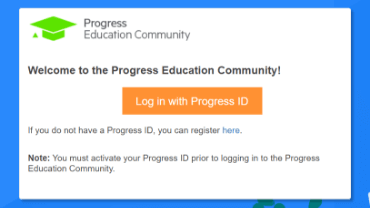
Step 1 - Log in
Visit the Progress Education Community (PEC) and log in with your Progress ID. If you do not have a Progress ID, you can register here.
Note: You must activate your Progress ID prior to logging in to the Progress Education Community
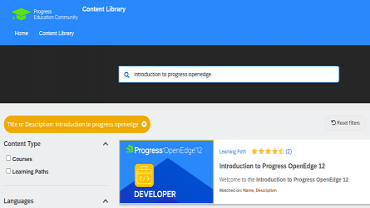
Step 2 - Find Your Content & Start Learning
Navigate to the Content Library and search for: Get Started with WhatsUp Gold 360. Then simply click the title for FREE access to the course.

Interested in the Class?
Stay up to date with technology trends and get the most out of your Progress technology investment.