
Create the NuGet package
After you have exported your Add-on and edited the .nuspec file, you need to generate a NuGet package out of it. You do that using the pack command of nuget.exe.
PREREQUISITES: If your project does not have a
nuget.exeinside folder~\App_Data\Sitefinity\Export, you must download it from https://dist.nuget.org/index.html and place it inside the folder.
Perform the following:
-
Open Command Prompt (
cmd.exe). -
Navigate to your project’s folder
Export.
This is the project from which you have created the add-on.
The folder path is~\App_Data\Sitefinity\Export. -
In the command line, execute
nuget pack <add-on name>/<add-on name>.nuspec
For example, if your add-on is named ABC, enter the following: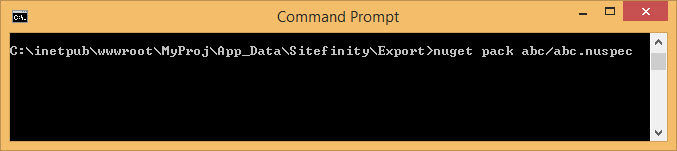
RESULT: After the generation, a
.nupkgfile appears in folder~\App_Data\Sitefinity\Export. This is the NuGet package that you are going to distribute.
