# Library selector
The library selector enables you to display a list of all existing libraries in your website. You can use the selector in the frontend or backend of your site. For example, you can use the selector on a page or in a widget designer. For more information about libraries, see [Overview: Libraries](https://www.progress.com/documentation/sitefinity-cms/overview-libraries).
The following image is an example of a library selector:
[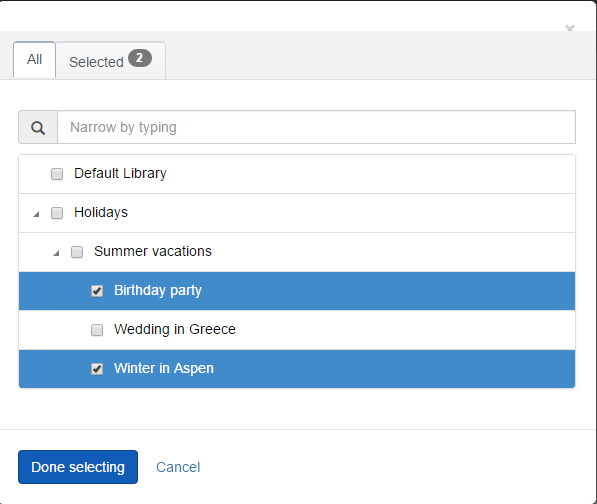](https://www.progress.com/documentation/sitefinity-cms/assets/2cf575151a963e5ed2842e3739e1a65a/libraryselector.png)
To add a *Library* selector, in your `DesignerView.YourView.cshtml` file, place one of the following tags anywhere in the HTML code:
Single item selection:
```Razor
```
Multiple items selection:
```Razor
```
> info **NOTE**: To add the library selector in your widget, you must also implement the values of the attributes are scope properties in your controller.
| Attribute | Description |
| --------------------- | ------------------------------------------------------------------------------------------------------------------------------------------------------------- |
| `sf-selected-item-id` | Single select only. Stores the ID of the selected item. |
| `sf-selected-item` | Single select only. Stores the serialized information of the selected item. |
| `sf-selected-ids` | Multi select only. Stores the IDs of the selected items. |
| `sf-selected-items` | Multi select only. Stores the serialized information of the selected items. |
| `sf-provider` | Configures the provider to use when retrieving the items to display. |
| `sf-media-type` | (Optional)
Sets the required media type to *images*, *videos*, or *documents*. This is an optional attribute and by default its value is set to *images*. |